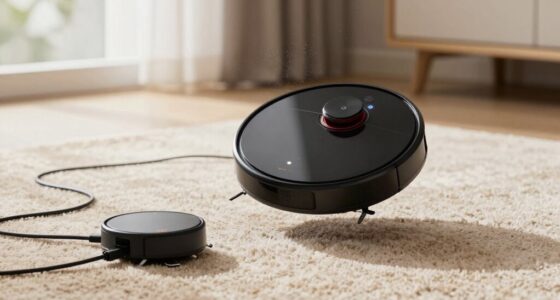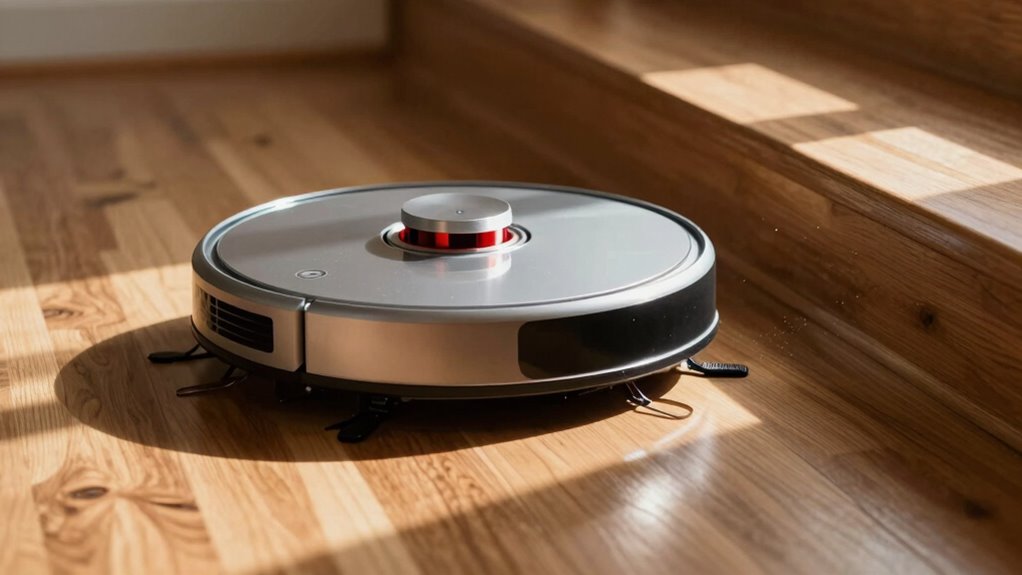

If your robot vacuum keeps detecting drops everywhere, it’s likely due to dirty cliff sensors. Dust, hair, or debris can block these sensors, causing false readings. Dark carpets and poor lighting can also interfere with their performance. Regularly clean the sensors every 1-2 weeks to improve navigation. If the issues persist after cleaning, there may be a deeper problem. Keep going to discover more tips and solutions for maintaining your vacuum’s performance!
Key Takeaways
- Cliff sensors detect drop-offs using infrared light, but dirt or debris can impair their accuracy, causing false drop detections.
- Accumulation of dust, hair, or debris on sensors can lead to incorrect readings and unexpected stops.
- Dark carpets or dim lighting can absorb infrared light, affecting the sensors’ performance and increasing false positives.
- Regular cleaning of sensors every 1-2 weeks is essential, especially in homes with pets or high traffic.
- If false drop readings persist after cleaning, sensors may be damaged and require professional repair or replacement.

When you rely on a robot vacuum to keep your floors clean, guaranteeing its cliff sensors are functioning properly is vital for safe navigation. These sensors use infrared light to detect edges and prevent falls, measuring how much light bounces back to determine floor proximity. If the sensors detect a sudden drop-off, they trigger an avoidance response that stops the vacuum from venturing too close to stairs or ledges. However, common issues can lead to false positives, causing your vacuum to think there’s a drop-off when there isn’t one.
One of the main culprits behind these false triggers is dust, hair, or other debris that can accumulate on the sensors. A dirty sensor reduces its ability to reflect infrared light accurately, leading to incorrect readings. Dark or patterned carpets can also absorb infrared light, making the sensors misinterpret the surface as a cliff. Dim lighting conditions further impair their performance, so it’s vital to maintain clean sensors and guarantee proper lighting. Ultrasonic sensors can also help with cliff detection, providing an additional layer of safety for your robot vacuum. Additionally, many modern vacuums now incorporate AI technology to improve navigation and obstacle avoidance capabilities.
Dust, hair, and debris on sensors can lead to false readings, while dark carpets and dim lighting further impair performance.
To clean your robot vacuum’s cliff sensors, start by powering off the device and turning it upside down. Locate the sensors as described in your user manual. Use a dry microfiber cloth to wipe the sensor openings, and a cotton swab can help you remove any hair or dust that’s stuck. If you encounter stubborn dust, dampen the cloth lightly but make sure to dry the sensors afterward. It’s best to clean the sensors every one to two weeks, especially if you have pets or high traffic areas in your home.
If your vacuum still sees drops everywhere after cleaning, you might consider taping over the sensors as a temporary fix, particularly if you live in a single-story home with dark rugs. Just guarantee that you have good lighting conditions to help maintain sensor performance. After cleaning, always test your vacuum to see if the problem persists. If issues continue, it might indicate damage to the sensors, and seeking professional service could be necessary.
Maintaining your robot vacuum’s cliff sensors is vital to ensure accurate navigation. Regular cleaning not only prevents false positives but also extends the lifespan of your vacuum. Remember to remove any hair or lint during routine maintenance sessions and clean related areas like bumpers and dirt sensors. By taking these steps, you can keep your vacuum operating smoothly and effectively, avoiding unnecessary mishaps.
Frequently Asked Questions
How Do Cliff Sensors Differ From Other Navigation Sensors?
Cliff sensors primarily detect drop-offs using infrared light, measuring the distance to the floor. Unlike obstacle sensors that identify objects and wall sensors for boundaries, cliff sensors focus solely on vertical changes. They trigger avoidance when they sense a sudden drop, preventing falls. While other sensors help with navigation and obstacle avoidance, cliff sensors are essential for ensuring safety around stairs and ledges, making them uniquely vital for your robot vacuum’s operation.
Can I Use My Robot Vacuum on Black Carpets?
You can use your robot vacuum on black carpets, but it might not work effectively. The cliff sensors may falsely detect drop-offs due to the low reflectivity of dark surfaces. This can prevent the vacuum from cleaning those areas. To improve performance, you could try using a lighter rug or cleaning the sensors regularly. Just keep in mind that your vacuum’s ability to navigate may be limited on darker floors.
What Happens if the Sensors Are Dirty?
If your robot vacuum’s sensors are dirty, it’ll struggle to detect cliffs accurately. Think of it like trying to see through a foggy window; clarity is lost. You’ll likely notice it avoiding areas that aren’t actually drop-offs, which can lead to uneven cleaning. To fix this, simply turn your vacuum upside down and wipe the sensors with a clean cloth. Regular cleaning keeps your vacuum steering smoothly and efficiently!
Are Cliff Sensors Adjustable for Different Floor Types?
No, cliff sensors aren’t adjustable for different floor types. They’re designed to automatically detect drop-offs based on infrared signals reflecting off the floor. Unfortunately, dark surfaces can confuse the sensors, making them act as if there’s a drop when there isn’t. To improve performance, you can clean the sensors regularly and avoid using the vacuum on dark carpets. Understanding these limitations helps you make better choices for your cleaning routine.
Do All Robot Vacuums Have Cliff Sensors?
Yes, all robot vacuums come equipped with cliff sensors as a standard safety feature. These sensors help prevent falls by detecting drop-offs, ensuring your vacuum avoids stairs and ledges. When you use your robot vacuum, you can feel confident it’s designed to navigate safely around your home. Just remember, on dark or black surfaces, these sensors may misinterpret the environment, causing your vacuum to hesitate or refuse to clean those areas.
Conclusion
In summary, while you might think robot vacuums get overly cautious with their cliff sensors, this is actually a smart safety feature. It prevents your vacuum from tumbling down stairs or ledges, protecting both the device and your home. So, even if it seems like it’s stopping for no reason, remember that it’s prioritizing safety. Embrace the occasional pause, knowing your vacuum is just doing its job to keep everything running smoothly!