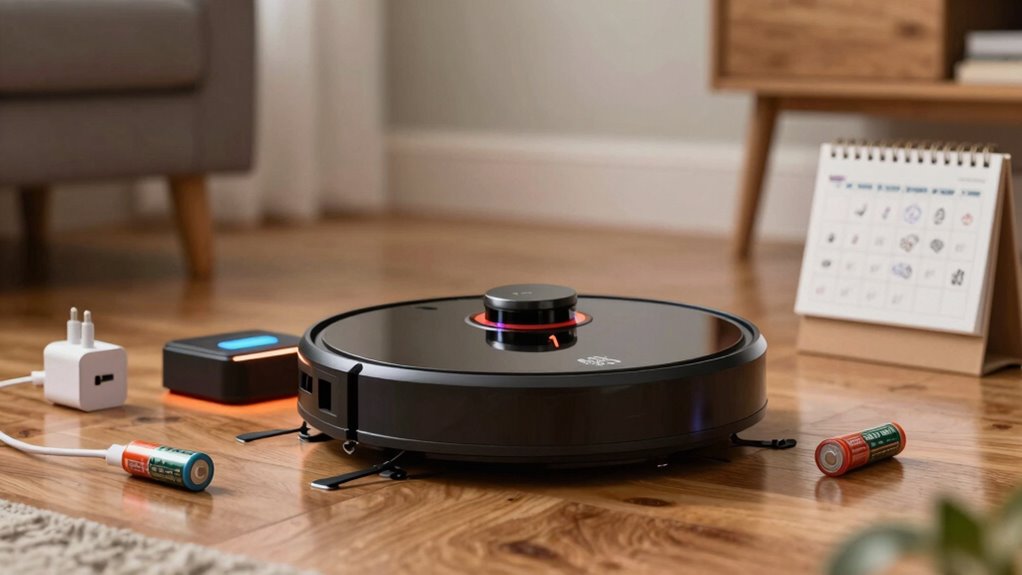

There are several myths about robot vacuum battery charging habits that don’t matter as much as you might think. For instance, you don’t need to worry about long initial charges; modern lithium-ion batteries don’t require much priming. It’s also safe to keep your vacuum on the charger, and unplugging it before it hits 100% won’t harm the battery. Staying informed about your device will help you avoid unnecessary habits, and there’s more to discover about maximizing your vacuum’s battery life.
Key Takeaways
- Long initial charging times are outdated; modern robot vacuums with lithium-ion batteries don’t require special initial charging procedures.
- Keeping your robot vacuum on the charger continuously is safe and often recommended by manufacturers.
- Charging to 100% occasionally is fine, but habitual full charging may accelerate battery aging.
- Interrupting the charging process before reaching 100% is safe and won’t damage the lithium-ion battery.
- There’s no need to fully discharge lithium-ion batteries; frequent deep drains can lead to capacity loss.

When it comes to robot vacuum batteries, many myths can mislead you into treating them incorrectly. One prevalent myth is the necessity of a long initial charge. You might’ve heard that your new robot vacuum needs a 16-hour charge, but that’s outdated advice rooted in older battery technologies like NiMH and NiCd. Modern robot vacuums use lithium-ion batteries, which don’t require such priming. Always check your model’s manual for specific guidance, as some manufacturers still reference these old practices.
Another common misconception is that leaving your robot vacuum on the charger all the time will ruin the battery. Most manufacturers design their charging docks to maintain safe battery levels, so it’s fine to keep your vacuum docked when not in use. While continuous charging to 100% can accelerate wear over time, modern charging circuits usually manage this well. If your model recommends keeping it docked, do so without worry. Proper charging routines are essential for optimal battery health, ensuring your vacuum is always ready for any mess.
Keeping your robot vacuum docked won’t ruin the battery; modern chargers maintain safe levels effectively.
You might also believe that charging your robot vacuum to 100% is essential for peak battery life. In reality, lithium-ion batteries prefer being kept between 40% and 80% for longevity. Periodically charging to 100% for maximum runtime is fine, but making it a habit can lead to faster aging. Some high-end models come with smart charging features that balance runtime and battery health, so check what your vacuum offers.
Interrupting the charge before it reaches 100% is another myth. You don’t need to worry about damaging your battery by unplugging it mid-charge. Lithium-ion batteries are designed to handle partial charges well, and modern battery management systems ensure safety during these interruptions. So, feel free to top off your vacuum’s battery whenever it’s convenient.
Lastly, let’s talk about “battery memory.” This concept applies to older battery types and doesn’t affect lithium-ion batteries. You don’t need to condition your battery with full discharges to maintain capacity. In fact, frequently allowing your battery to drop to 0% can lead to capacity loss and trigger a deep-sleep state that complicates recovery.
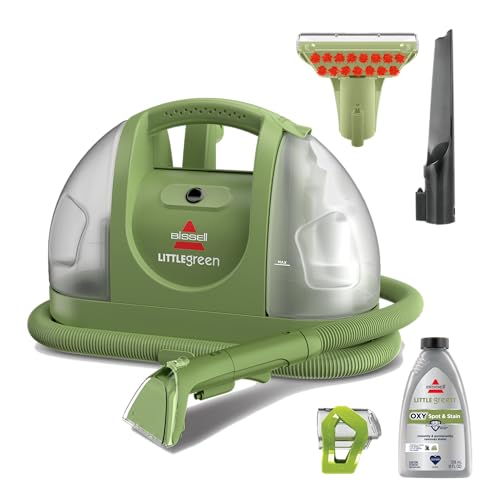
BISSELL Little Green Multi-Purpose Portable Carpet Cleaner, 1400B
- Trusted Brand: America's #1 portable cleaning brand
- Mess Removal: Removes 100+ common stains and messes
- Powerful Cleaning: Triple action formula for stains and odors
As an affiliate, we earn on qualifying purchases.
Frequently Asked Questions
How Long Do Robot Vacuum Batteries Typically Last?
Robot vacuum batteries typically last between 60 to 120 minutes per charge, depending on the model and cleaning mode. You can expect the overall lifespan of the battery to be around 300 to 500 full charge cycles. With regular use, you might notice some degradation within the first couple of years. To maximize battery life, keep your vacuum charged in the most effective range and maintain a clean docking area for reliable charging.
Can I Use Third-Party Batteries for My Robot Vacuum?
Did you know that many robot vacuum batteries last between 300 to 500 cycles? You can use third-party batteries for your robot vacuum, but be cautious. Not all third-party options meet the same quality standards as OEM batteries, potentially affecting performance and safety. It’s best to verify compatibility and read reviews before purchasing. If you want to maintain your vacuum’s efficiency and warranty, sticking with the manufacturer’s recommended batteries is often a safer choice.
What Happens if I Overcharge My Robot Vacuum?
If you overcharge your robot vacuum, it typically won’t cause immediate damage, thanks to modern battery management systems. These systems regulate charging and prevent overcharging, maintaining safe levels. However, consistently keeping the battery at 100% can lead to faster degradation over time. To extend your battery’s lifespan, aim to keep it between 40% and 80% charged and follow your manufacturer’s guidelines for suitable care and performance.
Are There Signs My Battery Needs Replacement?
Yes, there are signs your battery needs replacement. If your robot vacuum runs for substantially shorter periods than before or fails to hold a charge, it’s time to contemplate a new battery. You might also notice decreased suction power or frequent error messages related to battery performance. Additionally, if your vacuum shows signs of overheating during charging, that’s another red flag. Always consult your manual for specific guidelines on battery replacement.
How Do I Properly Store My Robot Vacuum Battery?
To keep your robot vacuum battery as vibrant as a spring bloom, store it at a partial charge of around 40–60%. Find a cool, dry place away from extreme temperatures, like a cozy nook in your home. Avoid leaving it fully charged or completely drained, as both can wilt its lifespan. Embrace regular checks to guarantee it’s in tip-top shape, ready to spring into action whenever you need it!

Hoover CleanSlate Plus Portable Carpet + Upholstery Spot Cleaner Machine
- Portable Carpet Cleaner: Quickly removes spills and stains
- Versatile Cleaning Tools: Includes WidePath and TightSpot tools
- Easy Maintenance: Hose rinse for simple cleaning
As an affiliate, we earn on qualifying purchases.
Conclusion
In the world of robot vacuums, it’s easy to get tangled up in battery myths. Remember, not every charging habit is essential for longevity. As the saying goes, “Don’t judge a book by its cover.” Just because something seems important doesn’t mean it is. Focus on regular maintenance and let your vacuum do the work. By keeping things simple, you’ll enjoy a longer-lasting, efficient cleaning companion without the unnecessary worry.

BISSELL Little Green Mini Portable Carpet Cleaner, 4075
- Supports Pet Foundation: Every purchase helps save pets
- Removes Pet Stains: Tackles spills and pet stains
- Allergen Removal: Removes dander, dust, pollen
As an affiliate, we earn on qualifying purchases.
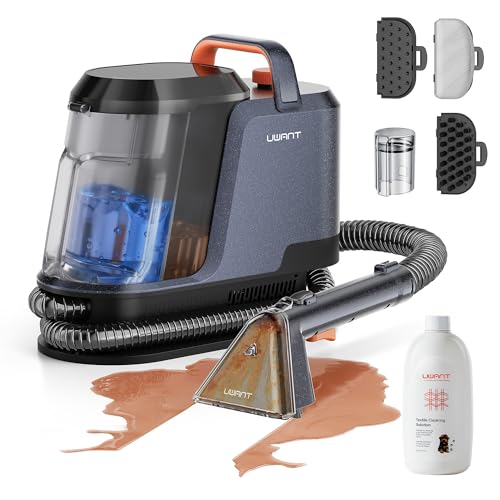
Uwant Carpet Cleaner Machine 18Kpa Portable Carpet Cleaner for Cars Couch, 2in1 Water Tank Upholstery Cleaner, Spot Cleaner with Cleaning Tools Set of 1
- High Suction Power: 18Kpa for deep stain removal
- Efficient Cleaning: 50% faster cleaning with upgraded suction
- Dual Water Tanks: Separate clean and waste water tanks
As an affiliate, we earn on qualifying purchases.