Air purifiers with auto mode make it easy to manage air quality, but sensor performance can be tricky. Different brands use various sensor types, leading to discrepancies in accuracy and response times. For example, some units may continue running at high speeds even after air quality has improved. Understanding these variations helps you choose the right model for your needs. Stick around to uncover more details about optimizing your air purifier’s auto functionality and sensor capabilities.
Key Takeaways
- Auto mode relies on sensors to detect air quality but performance can vary significantly between different brands and models.
- Sensor sensitivity affects detection accuracy, leading to potential overestimation or underestimation of pollutants.
- Some air purifiers may continue running at high speeds even after air quality has improved, causing confusion.
- Real-time data reporting and visual cues help users understand air quality status but can differ in clarity across models.
- Exploring various options is essential to find an air purifier with effective auto mode functionality tailored to specific needs.
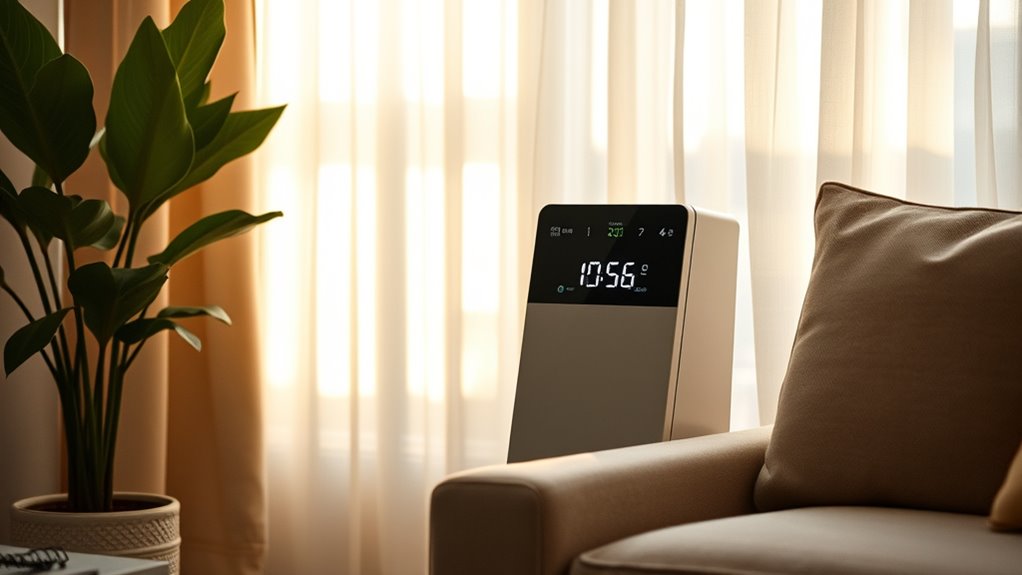
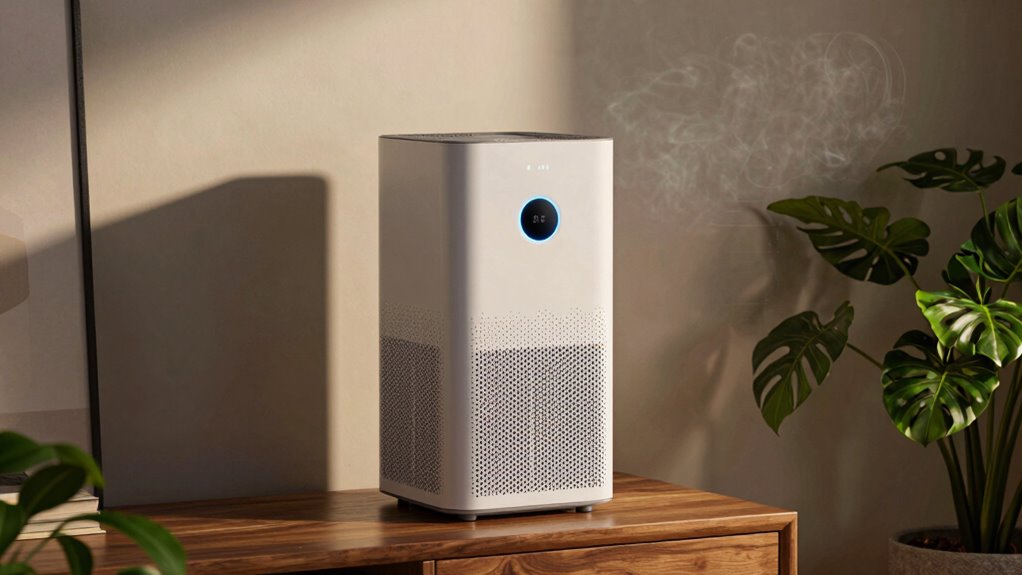
When you want clean air without the hassle of constant adjustments, the auto mode of an air purifier comes to the rescue. This feature automatically adjusts the fan speed based on real-time air quality detection. With onboard sensors, your air purifier can monitor pollutants like particles, odors, and fumes. When the air quality dips, the fan kicks into a higher gear to tackle the problem, restoring clean air without you needing to lift a finger.
Experience effortless clean air with auto mode, adjusting fan speeds automatically based on real-time air quality detection.
The sensors in these devices are impressive, handling everything from PM1.0 and PM2.5 to volatile organic compounds (VOCs). Some models even include humidity and CO2 sensors, enhancing their ability to maintain a healthy environment. The precision detection is remarkable, reacting in milliseconds to changes in air quality. If the air quality improves, the fan speed decreases, conserving energy and extending the lifespan of the filter. This means less noise and lower energy bills while still enjoying ideal purification. Additionally, these purifiers automatically respond to pollutants like dust and smoke to optimize air quality. Furthermore, using energy-efficient cloud servers can support the development of smart air purifiers that enhance real-time monitoring.
Real-time reporting is another advantage of auto mode. You can easily check air quality changes through an LCD display or an app. The four-tiered scale—from good (green) to very bad (purple)—provides clear visual cues on air quality. If the levels reach moderate or bad, the auto mode will suggest increasing the fan speed or switching to maximum if absolutely necessary. This hands-free approach ensures you breathe clean air while keeping the energy usage efficient.
However, confusion can arise with different brands and models. For example, some units may continue running at high speeds even after the air has been cleaned, maintaining stability. Others may have longer cleaning times in quiet mode. You might find that not all models feature the same sensor sensitivity, leading to discrepancies in performance. For instance, a model like the Xiaomi may underestimate PM2.5 levels compared to independent testing.
Understanding these nuances can help you choose the right air purifier for your needs. It’s essential to recognize that while auto mode aims to simplify air quality management, variations exist. Some brands, like Dyson and Blueair, offer unique features that might better suit your preferences. So, take the time to explore these options and find an air purifier with an auto mode that aligns with your lifestyle, ensuring you enjoy cleaner air effortlessly.
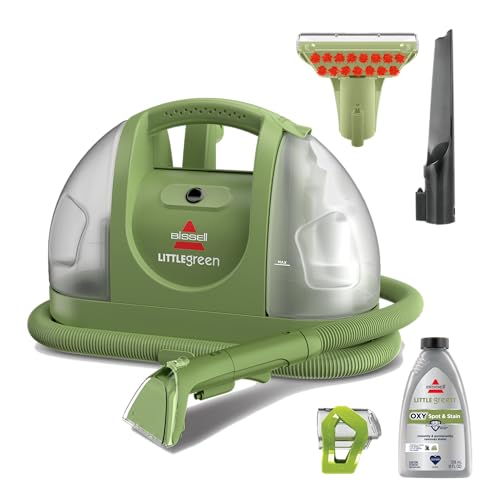
BISSELL Little Green Multi-Purpose Portable Carpet Cleaner, 1400B
- Trusted Brand: America's #1 portable cleaning brand
- Mess Removal: Removes 100+ common stains and messes
- Powerful Cleaning: Triple action formula for stains and odors
As an affiliate, we earn on qualifying purchases.
Frequently Asked Questions
How Often Should I Clean My Air Purifier’s Sensors?
You should clean your air purifier’s sensors every few months to maintain ideal performance. Dust and debris can accumulate, affecting accuracy. If you notice a significant drop in air quality readings or unusual fan activity, it’s a good idea to check and clean the sensors sooner. Regular maintenance helps ensure your purifier reacts correctly to air pollution and functions efficiently, keeping your indoor air clean and healthy around the clock.
Can I Manually Override the Auto Mode Settings?
Yes, you can manually override the auto mode settings. Imagine standing in a room filled with fresh air, yet you want to ramp up purification. Simply press a button or use the app to adjust the fan speed. You’ll feel empowered to take control, ensuring the air you breathe is always at its best. Just remember, once you switch modes, the auto function won’t reactivate until you decide to turn it back on.
What Is the Lifespan of Air Purifier Filters?
The lifespan of air purifier filters typically ranges from six months to two years, depending on usage and the environment. If you use your purifier frequently or live in a high-pollution area, you might need to replace the filter more often. Regularly checking your filter’s condition and following the manufacturer’s guidelines can help guarantee peak performance. Some models even have indicators to remind you when it’s time for a change.
How Do I Know if My Air Purifier Needs Maintenance?
You can tell your air purifier needs maintenance by checking for a few signs. If the filter indicator light is on, it’s time to replace the filter. Additionally, if you notice a decrease in air quality or unusual noises, that’s a red flag. Regularly clean the pre-filters and sensors as well. Finally, keep an eye on the air quality readings; significant fluctuations may indicate it’s time for a thorough check-up.
Are There Specific Pollutants That Auto Mode Struggles to Detect?
Your air purifier’s auto mode might struggle with certain pollutants, particularly volatile organic compounds (VOCs) and very fine particles like PM1.0. These tiny particles can slip through sensors, leaving your air quality unmonitored. You may not realize it, but this can lead to an accumulation of harmful contaminants in your space. Keep an eye on your air quality readings, and consider manual adjustments if you suspect auto mode isn’t catching everything.

ROPVACNIC Robot Vacuum and Mop Combo 5200Pa Suction Robotic Cleaner
- 2-in-1 Vacuum and Mop: Advanced electronic mopping technology
- Personalized Water Adjustment: Four-stage water control system
- Smart Control Options: Multiple cleaning modes and app control
As an affiliate, we earn on qualifying purchases.
Conclusion
In summary, understanding your air purifier’s auto mode can enhance your indoor air quality considerably. Did you know that using an air purifier with smart sensors can reduce airborne particles by up to 99% in just a few hours? That’s a remarkable improvement! By getting familiar with how these sensors work, you’ll be better equipped to make the most of your air purifier, ensuring a healthier environment for you and your loved ones.
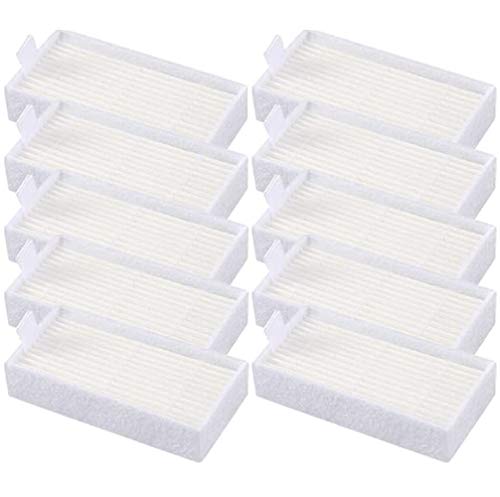
10pcs HEPA Filters Replacement for ILIFE V3s V3s pro V5 V5s V5s Pro V5s Pro 2 V5s Plus Noisz S5 Robotic Vacuum Cleaner ILIFE V3s pro Filters ILIFE Robot Vacuum Filter
- Compatible with various ILIFE models: Fits V3, V3s, V5, V5s, Pro versions
- High-quality filter material: Efficient and durable HEPA filters
- 100% compatible with original filters: Ensures perfect fit and performance
As an affiliate, we earn on qualifying purchases.

Filter Replacement for iRobot Roomba e, i and j Series i7 i7+/plus i3 i3+ E5 E6 E7 i4 i6 i6+ i8 i8+ Robot Vacuum Cleaners parts, 9 Pack High Efficiency 4639161 Filters
- Compatible Models: Fits iRobot Roomba E, I, J series
- High Efficiency Filtration: Filters 99.9% of dust and particles
- Effective Particle Capture: Catches particles as small as 0.3 microns
As an affiliate, we earn on qualifying purchases.