
Knowing when to stop DIY repairs on motors and cords is essential for your safety. Watch for visible damage like frayed wires, odd motor noises, or burnt smells. If your circuit breakers trip frequently or you notice corrosion, it’s time to reevaluate. Don’t ignore age-related issues or environmental damage that could increase risks. Prioritize safety over savings, and if you’re unsure, it might be best to call in a professional. There’s more to consider for your peace of mind.

Get cleaning gear delivered free — and shop member deals
- Fast, free delivery on millions of items
- Access to Prime Big Deal Days deals on October 6–7
- Prime Video, Amazon Music and more included
Key Takeaways
- Stop DIY repairs if you notice frayed cords, exposed wires, or scorch marks indicating potential electrical hazards.
- If motors emit unusual noises, odors, or feel excessively hot, it’s time to halt your repairs.
- Frequent circuit breaker trips or blown fuses signal underlying issues that require professional attention.
- Equipment that shows signs of corrosion or environmental damage poses safety risks and should not be repaired without expert help.
- DIY work that violates building codes or goes beyond your skill level can lead to safety hazards and legal problems.

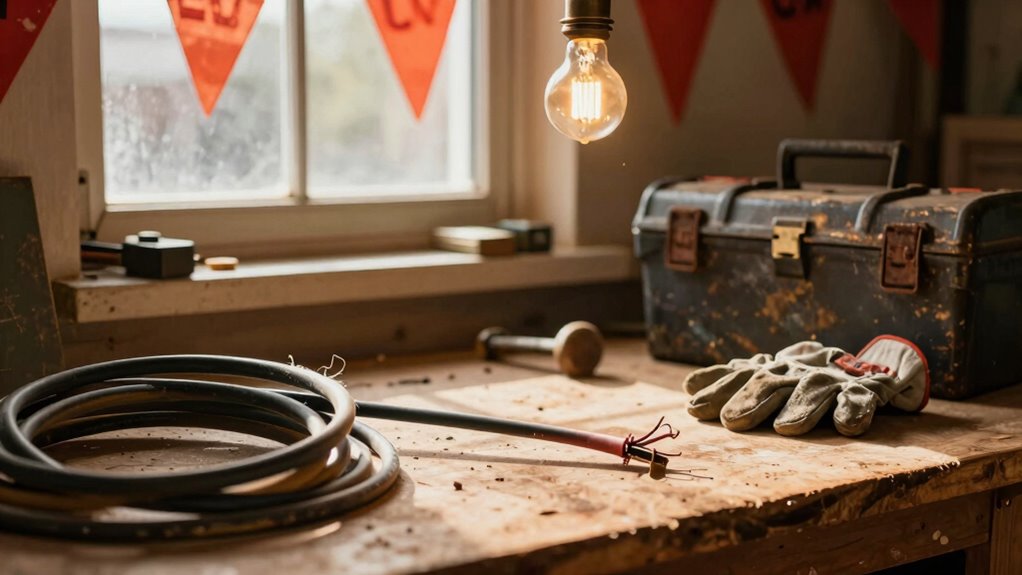
When you tackle DIY repairs, it can be tempting to push through challenges, but knowing when to stop is crucial for your safety and your home. Electrical work, particularly with motors and cords, comes with significant risks. For instance, if you notice frayed or cracked insulation, don’t ignore it. This damage can lead to leakage currents and short circuits, often preceding electrical fires or severe shocks. Exposed conductors present an immediate electrocution hazard, so if you see visible copper strands, it’s time to call a professional.
Unusual noises from motors—like buzzing or grinding—signal potential failures that could escalate quickly. If you smell burning or ozone, it’s essential to shut down the system immediately. These signs often indicate overheating or insulation breakdown, which can lead to fires. If the motor housing feels hot to the touch, it’s another red flag. Don’t risk it; an inspection by a qualified technician is necessary. Electrical failures are the second leading cause of home fires in the U.S., so addressing these issues promptly is vital.
Unusual motor noises and burning smells are serious red flags; shut down immediately and consult a professional to avoid fire hazards.
Repeated circuit breaker trips or blown fuses are also warning signs you shouldn’t overlook. These symptoms suggest overloads or short circuits, leading to fire hazards if left unaddressed. If your breakers fail to trip or are warm, it indicates a potential compromise in protective devices. Continuing to use faulty equipment can result in catastrophic overheating, putting you and your home at risk.
Physical damage to plugs and receptacles can’t be ignored either. Loose or scorched connections might indicate overheating or arcing, which are linked to receptacle-related injuries. If you notice loose prongs or burn marks, replacing them through a licensed electrician is your safest bet.
Moreover, age and environmental exposure affect the safety of your electrical systems. Equipment over its service life is prone to failure, while corrosion from moisture or chemicals can compromise insulation. If you see visible damage or if your equipment has been exposed to harsh conditions, it’s time to stop and seek a professional’s help.
Lastly, remember that DIY repairs often violate local building codes, which can lead to fines and complications with home sales. If any part of your work seems beyond your skill level—like rewiring motors or complex installations—don’t hesitate to stop and consult a licensed electrician. The risks of electrical shock and fire are too great to take chances. Prioritize safety over saving a few bucks; your life and home depend on it.
Frequently Asked Questions
What Are the Signs of Motor Overloading?
You’ll notice signs of motor overloading when the motor runs hot to the touch, emits unusual smells like burning or ozone, or makes strange noises such as grinding or buzzing. If the circuit breaker trips repeatedly or fuses blow, that’s another red flag. Additionally, watch for intermittent operation or stalls under load. These symptoms indicate the motor is struggling, and it’s time to assess the situation before further use.
How Can I Prevent Electrical Fires at Home?
Did you know that nearly 50,000 home electrical fires occur each year? To prevent electrical fires at home, regularly check your wiring and cords for damage, avoid overloading outlets, and make certain all devices are properly grounded. Use surge protectors for electronics and never run cords under rugs. Keep flammable materials away from heat sources, and invest in smoke detectors. Regularly test them to verify they’re functioning correctly—your safety depends on it!
When Should I Replace Old Electrical Cords?
You should replace old electrical cords when you notice visible damage like fraying, cracking, or melting insulation. If the plug feels hot to the touch or there are frequent trips of circuit breakers, it’s time for a change. Also, if your cords show signs of corrosion or exposure to moisture, don’t hesitate to replace them. Prioritize safety—using deteriorating cords can lead to electrical fires or shocks, so act promptly.
What Tools Are Essential for Electrical Repairs?
You’ve probably felt that rush of anxiety when something electrical fails at home. To tackle electrical repairs safely, you’ll need essential tools like a multimeter for testing voltage, a wire stripper for easily removing insulation, and a screwdriver set for securing connections. Don’t forget insulated pliers for gripping wires securely and electrical tape for insulation. A circuit tester can help you check if a circuit is live, ensuring you stay safe while working.
How Do I Safely Dispose of Damaged Cords?
To safely dispose of damaged cords, first, unplug them and make certain they’re completely dry. Cut the cords to prevent reuse, then separate plastic and metal components if possible. Check local regulations for electronic waste disposal, as many areas have designated drop-off locations. You might also find recycling programs that accept cables. Finally, consider giving local charities or schools any cords that are still functional and safe to use.
Conclusion
When it comes to DIY repairs, don’t disregard danger. If you notice frayed cords or faulty motors, it’s time to take a step back. Safety should always be your top priority. Trust your instincts—if something feels off, it’s best to call a professional. Protecting yourself from potential perils will pave the way for peace of mind. Remember, some fixes are best left to the experts, so prioritize protection over pride in your DIY prowess!
Fall Picks
fall essentials
As an affiliate, we earn on qualifying purchases.