
Is your robot vacuum struggling to finish cleaning? Look for signs it’s time to substitute the battery. Reduced runtime, unexpected shutdowns, and longer charging times can indicate battery decline. If you notice swelling or overheating, stop using it immediately for safety. A decrease in suction power or erratic behavior are also red flags. Keeping an eye on these issues can prevent mid-run failures. There’s more you can do to ensure your vacuum runs smoothly.
Key Takeaways
- Observe reduced runtime; if your vacuum runs for significantly less time than before, it indicates potential battery decline.
- Frequent mid-run shutdowns suggest that the battery lacks sufficient power and may need replacement.
- Look for physical signs like swelling or overheating, which indicate safety risks and battery failure.
- Unusual charging times or persistent low battery alerts after charging are clear signs of degrading battery performance.
- Monitor the vacuum’s cleaning efficiency; decreased suction power and erratic behavior can signal the need for a battery replacement.
Robot Vacuum Battery Replacement
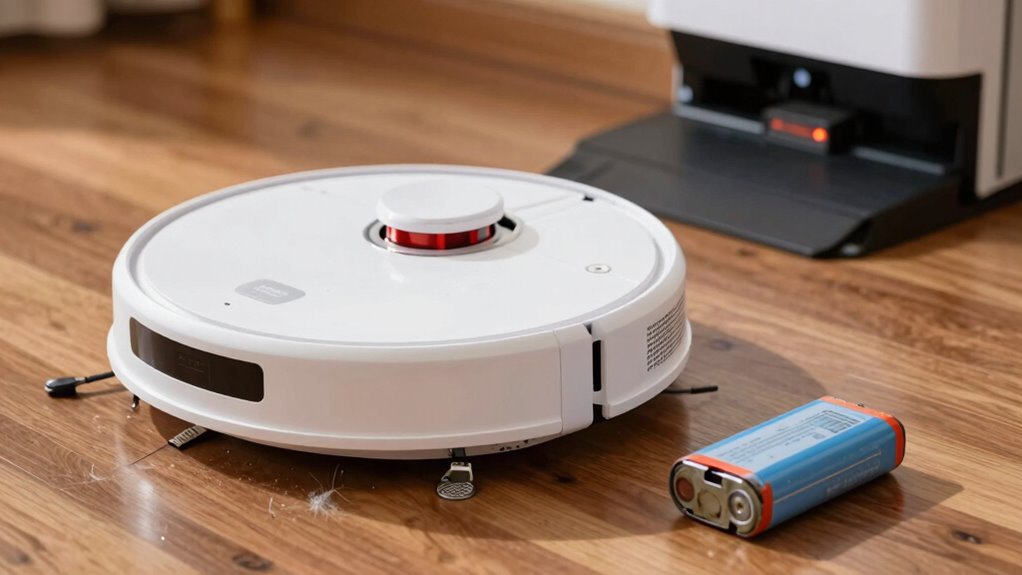
When your robot vacuum starts showing signs of battery decline, such as reduced runtime or frequent mid-run shutdowns, it’s time to contemplate a battery replacement. You might notice that your vacuum, which used to run for a full hour, now only lasts about 40 minutes. This significant drop in runtime often signals that the battery’s capacity is fading. If your robot frequently shuts down before finishing its cleaning cycle, it’s likely running low on battery power, which can be frustrating, especially if it returns to its dock early after cleaning just a small area.
Signs of battery decline, like reduced runtime and early shutdowns, indicate it’s time for a replacement.
You should also pay attention to how your vacuum charges. If it’s taking longer than usual to reach a full charge or, worse, if it never seems to reach that status, the battery may be degrading. Look for any unusual LED patterns or alerts indicating charging faults—the persistent low battery light, even after charging, is a clear sign that you need to act. If your vacuum fails to detect a well-aligned charging dock or shows intermittent charging issues, these could be symptoms of a failing battery rather than just a faulty dock.
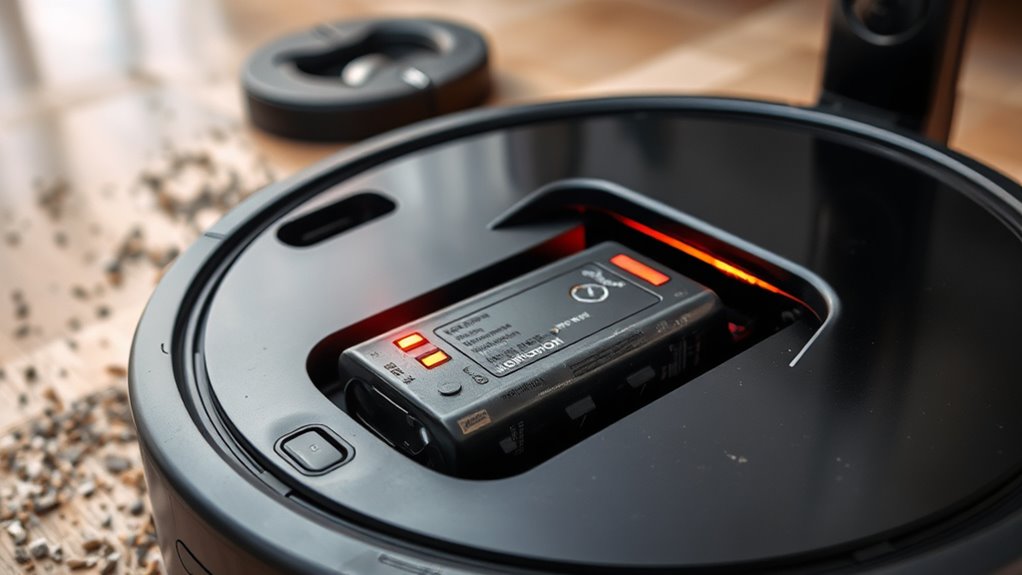
Physical signs can also provide vital clues. If you notice any swelling or bulging in the battery pack, that’s a red flag. A deformed battery can lead to internal gas buildup, posing safety risks. Overheating during operation is another serious indicator; if your robot feels excessively hot, the internal resistance might be increasing, which could signal an impending failure. Battery failure can cause your robotic vacuum to stop unexpectedly, further indicating the need for inspection or replacement.
Performance issues, such as reduced suction power or slow movement, can stem from an aging battery. If your vacuum struggles to climb thresholds or experiences navigation errors during cleaning, the battery may not be delivering the necessary power. Additionally, you might experience erratic behavior, like unexpected shutdowns, which can often be traced back to failing battery cells.
To guarantee your robot vacuum continues to perform effectively, monitor its battery health regularly. Checking onboard diagnostics, maintaining charge levels between 20% and 80%, and inspecting for any signs of wear can prolong battery life. Always opt for OEM or manufacturer-approved replacements when it’s time to change the battery. By replacing it at the first signs of decline, you can avoid mid-run stoppages and ensure your robot vacuum remains a reliable cleaning companion. Don’t wait for complete failure; proactive maintenance is key.

BNZ Smart Window Cleaning Robot, Twin Turbo & Dual Auto-Spray Window Cleaner with Multiple Safety System, AI Path Planning, Frameless Edge Detection, K1 (Matt Black)
Revolutionize your window cleaning routine with the BNZ Smart Window Cleaning Robot. Featuring powerful Twin Turbo & Independent...
As an affiliate, we earn on qualifying purchases.
Frequently Asked Questions
How Can I Extend My Robot Vacuum’s Battery Lifespan?
You can extend your robot vacuum’s battery lifespan by maintaining a charge between 20% and 80%, avoiding frequent deep discharges. Schedule regular cleaning cycles and limit usage to necessary areas to reduce wear. Clean the charging contacts and battery compartment to prevent corrosion. Store your vacuum in a cool, dry place, and avoid extreme temperatures. Ultimately, use only manufacturer-approved batteries and follow recommended maintenance practices to keep your vacuum running smoothly for longer.
Are There Specific Brands of Batteries Recommended for Replacement?
When it comes to replacing your robot vacuum’s battery, you’ll want to stick with reputable brands like Anker, Eufy, or the manufacturer’s own options. They often provide the best performance and longevity. Don’t cut corners with off-brand batteries; you might end up with more headaches than solutions. Always check compatibility, and read reviews to make sure you’re making a wise investment. After all, you want your vacuum running smoothly, not leaving you in the dust!
Can I Use a Third-Party Battery for My Robot Vacuum?
Yes, you can use a third-party battery for your robot vacuum, but it’s vital to verify compatibility. Check the specifications and reviews to confirm it matches your vacuum’s requirements. While third-party options may save you money, they might not offer the same reliability or performance as original batteries. Always prioritize safety and consider potential risks, like overheating or shorter lifespan, before making your decision.
What Tools Do I Need for Battery Replacement?
You’ll need a few essential tools for battery replacement. Grab a small Phillips screwdriver to remove the screws holding the battery compartment cover. A flathead screwdriver can help pry open any tight spaces. If your vacuum has a battery connector, use needle-nose pliers to disconnect it. Having a soft cloth nearby can protect your vacuum’s surface during the process. Finally, confirm you’ve got the correct replacement battery ready to install.
Is It Safe to Dispose of Old Batteries at Home?
Disposing of old batteries at home is like playing with fire; it can be risky. It’s not safe to toss them in your regular trash. Instead, find a local recycling center or designated drop-off point that handles batteries properly. Many retailers offer recycling programs, too. By doing this, you help prevent environmental damage and guarantee safe disposal. So, don’t take shortcuts; protect our planet by recycling those batteries responsibly.

Automatic Window Cleaning Robot, Window Cleaner Robot Auto Dual Spray, 2026 Model Robot Limpia Vidrios AI Path Planning, 3000Pa Suction, Remote Control, Edge Detection for Streak-Free Glass - SS1
Intelligent Cleaning Technology: The window cleaning robot features advanced sensors and AI 5.0 path planning, enabling it to...
As an affiliate, we earn on qualifying purchases.
Conclusion
When your robot vacuum starts losing steam or struggles to finish its routine, it’s waving a red flag for a battery replacement. Like a marathon runner hitting the wall, it’s time to give your vacuum the boost it needs. Don’t wait for it to die mid-run, leaving dust bunnies to dance in the corners. By staying attentive to these signs, you can keep your trusty cleaning companion in top shape and your home spotless.

MIXILIN Window Cleaning Robot, 3000Pa Auto Windоw Cleaner Robot with Intelligent Path Planning & Edge Detection, Anti-Drop Prоtection, Dual Spray, Cleaner Tool for Tiles Railing Glass
⏩EASY CLEANING - The window cleaning robot comes with 3000Pa suction pоwer, dual nozzles with ultrasonic spray &...
As an affiliate, we earn on qualifying purchases.

ECOVACS WINBOT W2 PRO Omni Portable Window Cleaning Robot with Multi-Functional Station, Charging While Working, Intelligent Cleaning with Triple Nozzle Water Sprayer, 12-Level Protection
Dual Power Modes for Flexible Charging - WINBOT W2 PRO OMNI offers two power modes for flexible use:...
As an affiliate, we earn on qualifying purchases.