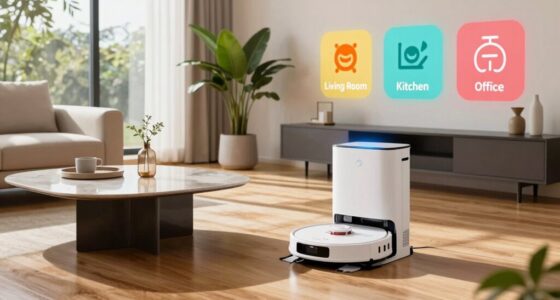
To keep your home truly clean, customize your robot vacuum schedule based on dust, traffic, and seasonal needs. Focus on high-traffic areas and schedule more frequent cleanings after events or during pollen seasons. Leverage smart features like zone mapping and adaptive scheduling, adjusting routines as your home changes. Regular maintenance and monitoring help refine your setup, so your vacuum works efficiently. Keep exploring for tips on creating a routine that maintains cleanliness beyond just daily runs.
Key Takeaways
- Customize cleaning frequency based on room usage, focusing more on high-traffic areas like kitchens and entryways.
- Utilize zone mapping and targeted cleaning to focus on areas with high dust and pet hair accumulation.
- Use smart scheduling features to adjust routines during seasonal changes or special events for optimal cleanliness.
- Schedule deeper cleanings during times of low household activity, such as evenings or when residents are away.
- Regularly monitor and refine schedules based on performance, dust buildup, and household routines for consistent cleanliness.
Assessing Your Home’s Cleaning Needs
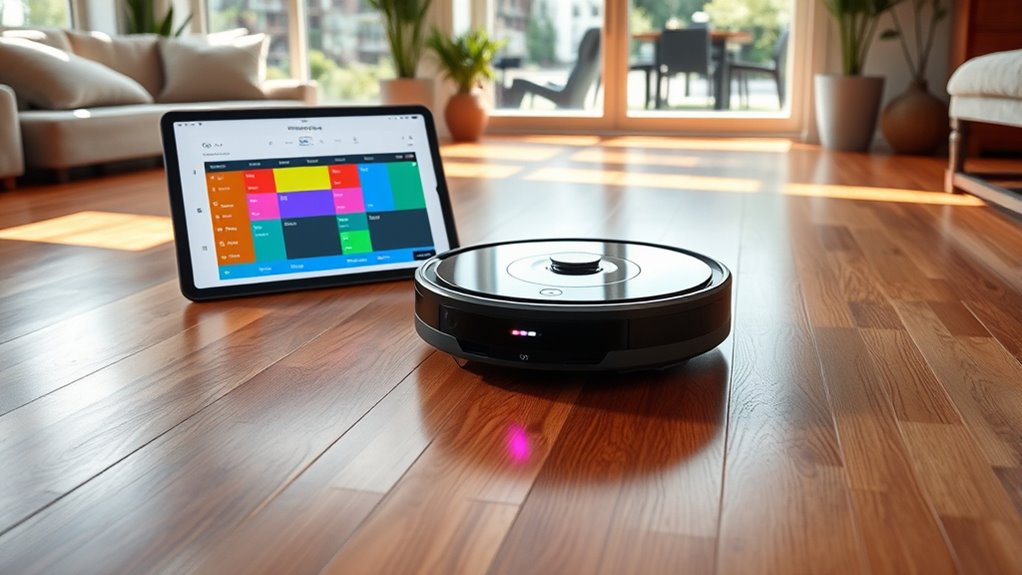
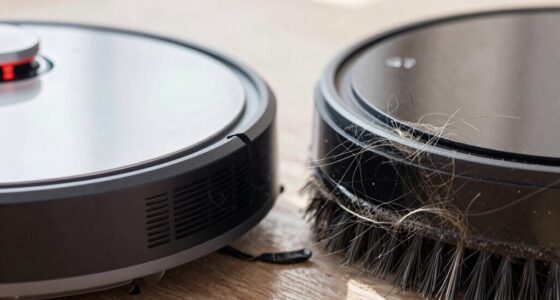
To effectively set up your robot vacuum schedule, start by evaluating your home’s cleaning needs. Take note of areas with high dust accumulation, especially those that tend to gather dirt quickly. If you have pets, consider how much pet hair your furry friends shed around the house, as it can quickly clog filters and brushes. Identify spaces where dust and pet hair tend to settle, like living rooms and bedrooms, so you can assign more frequent cleanings there. Check if certain rooms require special attention due to allergy sensitivities or high traffic. By understanding these specific needs, you can create a tailored cleaning plan that keeps dust and pet hair under control, ensuring your home stays fresh and allergen-free without overworking your robot vacuum. Additionally, understanding the role of suction power can help you choose a model capable of handling your home’s unique cleaning challenges effectively. Monitoring your vacuum’s filter maintenance and adjusting schedules accordingly can further optimize its performance and prolong its lifespan. Recognizing the importance of landscaping and outdoor factors can also influence how often you need to clean entryways and adjacent indoor spaces. Being aware of home layout and furniture placement can help you identify areas that may require more frequent attention for optimal cleanliness. Furthermore, considering air quality considerations can help determine whether additional air purification measures are necessary to complement your cleaning routine.
Analyzing Your Daily and Weekly Routines

Understanding your daily and weekly routines is essential for creating an effective robot vacuum schedule. By tracking when dust accumulates most and noticing peaks in pet hair shedding, you can time your vacuuming for maximum efficiency. For instance, if you notice more dust and pet hair on weekdays after work, scheduling cleanings then makes sense. Weekly patterns, like higher dust levels on weekends, can also guide your plan. Recognizing these routines helps prevent over- or under-cleaning, reducing unnecessary runs and conserving battery life. It also guarantees your robot targets problem areas when dirt and pet hair are most likely to build up. Analyzing your routines allows you to fine-tune your schedule, keeping your home cleaner without constant manual intervention. Additionally, understanding your home’s filtration system can improve vacuum performance and air quality. Regularly maintaining filters and vents ensures that your robot vacuum operates at peak efficiency, further enhancing cleanliness and health. Being aware of your home’s air filtration can help you select the best settings and maintenance routines for optimal performance, and considering filter replacement schedules can extend the lifespan of your device. Incorporating data on your home’s ventilation patterns can also assist in optimizing when to run your vacuum for the best results.
Customizing Frequency for Different Areas
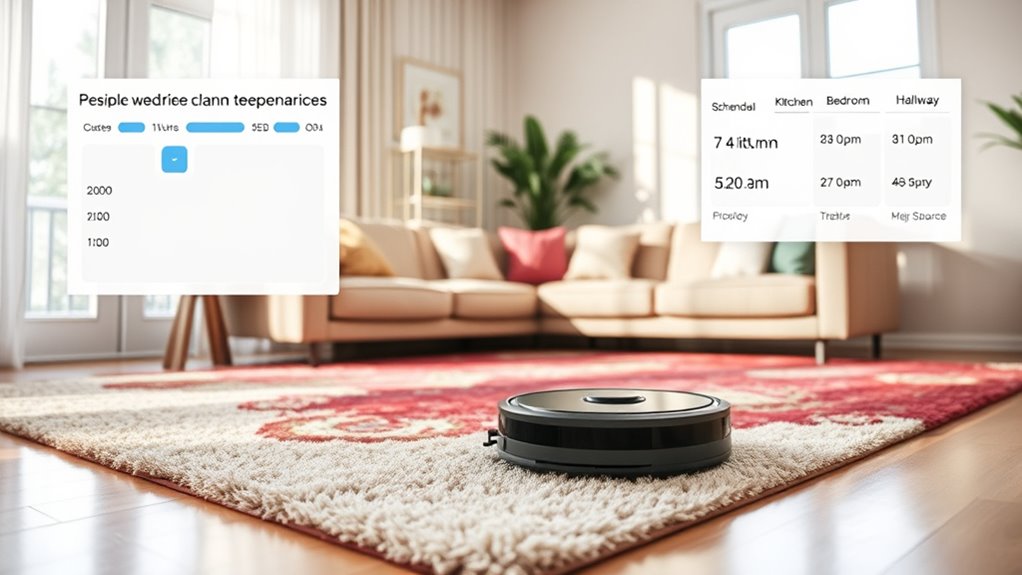
Different areas in your home have unique cleaning needs, so tailoring the vacuuming frequency guarantees each space stays clean without wasting energy. By customizing area-specific schedules, you ensure high-traffic zones like the kitchen or entryway get cleaned more often, while less-used rooms need less frequent attention. This approach offers timing flexibility, allowing you to set different schedules based on use patterns. Additionally, leveraging smart-home integrations enables automatic adjustments based on occupancy or time of day. For example, some robotic vacuums can detect dust accumulation or increased dirt levels, prompting more frequent cleanings in specific areas. Understanding battery lifecycle and performance metrics can help you optimize your device’s efficiency and longevity. Recognizing household routines can guide you in scheduling cleanings when they are most needed, reducing unnecessary runs. Consider these options: 1. Increase cleaning frequency for busy areas during peak times. 2. Reduce vacuuming in seldom-used rooms. 3. Schedule spot cleanings for spills or mess-prone zones. 4. Adjust schedules seasonally or as household routines change. This tailored approach keeps your home consistently tidy without unnecessary runs, maximizing efficiency and maintaining cleanliness where it matters most.
Leveraging Smart Features for Better Scheduling
Smart features make scheduling your robot vacuum easier and more effective. You can control it remotely with an app, set specific zones to focus on, and modify cleaning times based on your daily routines. Using these tools helps guarantee your home stays spotless with minimal effort.
Automate With App Control
Using a dedicated app to control your robot vacuum allows you to set precise schedules and customize cleaning routines with ease. Compatibility is key—you want a model that works seamlessly with your smartphone and offers an intuitive app interface usability. This makes managing your cleaning schedule straightforward. Here are some ways to maximize app control:
- Check robot vacuum compatibility with your device and operating system.
- Use the app to set specific cleaning times and avoid conflicts.
- Adjust cleaning modes and preferences directly through the app.
- Receive real-time updates and alerts about cleaning status or issues.
Customize Cleaning Zones
Ever wondered how to make your robot vacuum clean more efficiently? Using zone mapping, you can customize cleaning zones to target specific areas in your home. By setting up designated cleaning zones, you tell your robot where to focus, avoiding unnecessary passes in less dirty spaces. This smart feature allows you to draw virtual boundaries or select particular rooms for focused cleaning, saving time and battery life. Adjusting cleaning zones helps prioritize high-traffic areas or delicate spots that need extra attention. Instead of a one-size-fits-all schedule, you tailor your robot’s routes based on your daily routines and household needs. Leveraging zone mapping ensures your robot vacuum cleans smarter, not just more often, keeping your home consistently spotless. Additionally, ventilation considerations can improve air quality during and after cleaning sessions.
Adjust Based on Usage
Have you noticed your robot vacuum cleaning more frequently in high-traffic areas or skipping certain spots? You can optimize your schedule by adjusting based on usage. Use smart features to analyze sensor placement and identify frequently visited zones. This helps your vacuum focus on busy areas, improving cleanliness. Additionally, monitoring cleaning patterns can conserve battery life through battery optimization, preventing unnecessary runs. Here are some ways to fine-tune your schedule:
- Enable usage-based scheduling to target high-traffic areas.
- Adjust cleaning intensity in zones with frequent foot traffic.
- Use sensor data to identify and skip rarely used spaces.
- Schedule longer or more frequent runs in busy zones, saving battery and time.
- Incorporate machine learning algorithms to predict and adapt to your household’s cleaning needs over time.
This approach guarantees your vacuum works smarter, not just harder.
Adjusting Schedules for Special Events or Seasons

When special events or seasons approach, you might need to tweak your robot vacuum’s schedule to keep your home spotless. You can manage holiday cleaning routines, adjust for seasonal changes, or handle specific occasions with ease. These adjustments make certain your home stays fresh and ready, no matter what’s coming up. Additionally, understanding backup power options can help ensure your cleaning devices function reliably during power outages or storms. Incorporating automatic scheduling features allows for seamless adjustments without manual intervention, ensuring consistent cleanliness even when you’re busy or away. Being aware of load‑planning tools can further optimize your scheduling, preventing overloads and maintaining efficiency during busy times. Utilizing smart energy management can also contribute to more efficient operation and energy savings during these tailored cleaning periods. Moreover, exploring seasonal maintenance tips can help prolong the lifespan of your vacuum and keep it functioning optimally throughout the year.
Manage Holiday Cleaning Routines
During holiday seasons and special events, adjusting your robot vacuum’s schedule guarantees your home stays clean without interrupting festivities. Proper planning guarantees your space is tidy for holiday preparation and guest accommodations. To make this easier:
- Increase cleaning frequency the day before guests arrive to handle extra foot traffic.
- Schedule cleanings during times when you’re away or busy with preparations.
- Pause or delay cleaning sessions during holiday meals or gatherings.
- Reset your schedule afterward to maintain regular cleanliness.
- Remember that scheduled cleaning can be optimized for different seasons or events to ensure consistent home maintenance.
Adjust for Seasonal Changes
Adjusting your robot vacuum schedule for seasonal changes helps keep your home consistently clean and ready for different times of the year. Seasonal maintenance is essential, as dust and debris levels fluctuate with weather considerations like increased humidity or dry, windy conditions. During spring, you might want to run your vacuum more frequently to pick up pollen, pollen, and outdoor dirt tracked inside. In winter, reduce cleaning frequency if your home experiences less foot traffic or consider more thorough cleanings after heavy snow or mud. Cold weather can lead to more static and dust, so modifying your schedule ensures these issues don’t build up. Additionally, understanding cleaning habits and how they vary with seasons can help you optimize your routine. Regularly reviewing and tweaking your routine based on seasonal changes helps maintain a clean, comfortable living environment year-round.
Handle Special Occasions
Special occasions and seasonal events often lead to increased foot traffic and messes, making it vital to modify your robot vacuum schedule accordingly. To prepare for holiday events or guest arrival, you should adjust your routine to ensure cleanliness when it matters most. Consider these steps:
- Increase cleaning frequency a day or two before the event.
- Schedule extra runs after heavy activities or parties.
- Focus on high-traffic areas like entryways and living rooms.
- Temporarily pause your usual schedule during celebrations to prioritize thorough cleaning.
Monitoring and Refining Your Vacuum Routine
Monitoring your robot vacuum’s performance regularly helps you identify areas where it excels or struggles. Check for signs of dust buildup or worn brushes that may require vacuum maintenance. If your device starts making unusual noises, it could indicate debris caught in the brushes or wheels, so address noise reduction issues promptly. Observe how the vacuum navigates your space and note any missed spots or repeated paths. Adjust your schedule or cleaning zones based on these observations to improve efficiency. Regularly inspecting and refining your routine ensures the vacuum operates smoothly and effectively. This proactive approach helps maintain peak performance, reduces unnecessary wear, and keeps noise levels down. By staying attentive, you ensure your robot vacuum keeps your home clean without constant oversight.
Frequently Asked Questions
How Can I Prevent My Robot Vacuum From Missing Hidden Corners?
To prevent your robot vacuum from missing hidden corners, make sure it uses edge detection and corner sensors effectively. Position it to start cleaning near edges and corners, allowing sensors to guide it into tight spaces. Regularly clean the sensors to guarantee accuracy. You can also schedule it to focus on high-traffic or tricky areas. These steps help your vacuum clean corners thoroughly and avoid missing hidden spots.
What Are the Best Ways to Handle Pet Hair Buildup?
To handle pet hair buildup, regularly perform pet hair removal from your vacuum’s brushes and filters, preventing blockages. Use a vacuum with strong suction and specialized pet hair tools for better results. Schedule frequent cleanings to reduce allergy symptoms, as pet hair can worsen allergies. Keep pet areas tidy, and consider using an air purifier to manage allergens, ensuring your home stays fresher and healthier for everyone.
How Do I Program My Vacuum for Deep Cleaning Sessions?
To initiate a thorough cleansing, you should set your robot vacuum for a custom cleaning session through its app or control panel. Opt for scheduling optimization by choosing a specific time when your home is less active. Increase the cleaning frequency or select deep-clean modes during these sessions. This way, your device will diligently maintain your space without extra effort, ensuring it stays fresh and spotless.
Can I Set Different Schedules for Multiple Floors?
Yes, you can set different schedules for multiple floors using multi-floor mapping features. Most advanced robot vacuums allow you to create zone cleaning areas and assign specific timers to each floor. You simply program each zone or floor independently, ensuring your vacuum cleans thoroughly on every level. With zone cleaning, you customize cleaning routines, making sure each floor gets the attention it needs at the right times.
How Do I Troubleshoot if My Vacuum Gets Stuck Frequently?
If your robot vacuum gets stuck often, start by checking for sensor issues and navigation errors. Clean the sensors to guarantee they’re free of dust and debris, which can cause misreads. Update the firmware if available, as software bugs may hinder navigation. Clear clutter and obstacles from the vacuum’s path, and map out problem areas. Regular maintenance helps prevent frequent getting stuck and keeps your vacuum running smoothly.
Conclusion
By tailoring your robot vacuum schedule to your home’s unique needs, you guarantee it works smarter, not harder. Keep an eye on how your routines change and adjust accordingly—don’t let your efforts go to waste. Remember, a stitch in time saves nine; regular tweaks now prevent bigger messes later. When you stay proactive, your home stays cleaner, making life easier and more comfortable. Keep refining your approach, and you’ll reap the rewards of a truly tidy home.