

Get cleaning gear delivered free with Prime
- Fast, free delivery on millions of items
- Prime Video, Amazon Music and more included
- Member-only deals all year
Key Takeaways
| Power cycle troubleshooting | Reset the vacuum to clear temporary glitches. |
| Filter check | Clogged filters can cause pulsing; cleaning or replacing them helps. |
| Battery and power issues | Ensure battery contact points are clean and the battery is functioning. |
| Obstructions clearing | Remove blockages from cleaner heads and wand connections. |
| Regular maintenance | Maintain filters and check for damage to prevent future pulsing. |
Step 1: Power Cycle Your Vacuum
- Turn off the vacuum and remove it from the charging dock.
- Hold down the power trigger for 10 seconds to discharge residual power.
- Release the trigger, then press the power button again to restart.
This can reset internal electronics and resolve minor glitches causing pulsing.
Step 2: Check and Clean the Filters
- Remove the pre-filter and main filter from the vacuum. For the V15, refer to the filter location in the user manual.
- Rinse the filters under cold water, ensuring no soap or debris remains.
- Allow filters to air dry completely—this may take up to 24 hours.
- Reinstall the filters properly before using the vacuum again.
Dirty or clogged filters reduce airflow and can cause pulsing. Regular cleaning restores optimal performance.
Step 3: Inspect for Blockages
- Detach the wand and cleaner head from the main body.
- Check for debris or hair in the cleaner head, wand, or hose connection points.
- Use a crevice tool or a straightened wire to clear any blockages.
- Reassemble and test the vacuum.
Blockages restrict airflow, leading to pulsing or power fluctuations.
Step 4: Check Battery and Connections
- Ensure the battery is securely attached and contacts are clean.
- If possible, remove the battery and inspect for damage or debris.
- Clean contact points with a dry cloth if needed.
- Reinsert the battery and test the vacuum for consistent operation.
A loose or dirty connection can cause intermittent power issues.
Step 5: Replace Filters and Consider Professional Help
- If filters are worn or damaged, replace them with compatible ones, such as the 3Pack Pre Filters or V10 Filters, depending on your model.
- Follow the manufacturer’s instructions for replacement.
- If pulsing persists, contact Dyson support or a qualified technician.
Proper maintenance prevents recurring issues and prolongs vacuum lifespan.
The Products in This Guide

Dyson V15 Detect™ Origin Cordless Vacuum
- ✔ Model: Dyson V15 Detect™ Origin
- ✔ Battery Life: 60 minutes
- ✔ Weight: 6.8 lbs

LANMU Crevice Tool Vacuum Attachments Compatible
- ✔ Compatibility: Multiple Dyson models
- ✔ Design: Slim, flexible
- ✔ Use case: Corners, upholstery, car interiors
Dyson V15 Detect™ Origin Cordless Vacuum
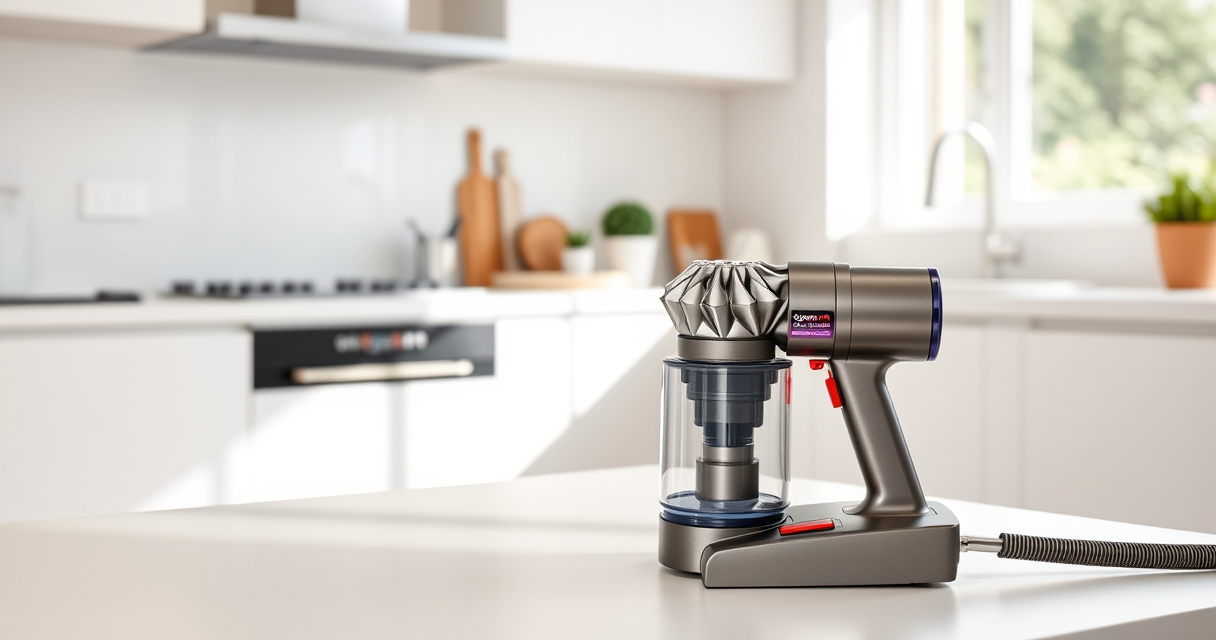
The Dyson V15 Detect™ Origin offers powerful, intelligent cleaning with a laser to reveal invisible dust and a long-lasting 60-minute runtime. Its advanced design makes it a top choice for whole-home cleaning.
Pros:
- Powerful suction with 100% more power
- Intelligent debris detection and adaptation
- LCD screen with detailed info
- Versatile with multiple cleaner heads
Cons:
- Premium price point
- Filter maintenance required
- Heavier than some handhelds
Best for: Deep cleaning homes with pet hair and fine dust detection
Not ideal for: Light, quick cleanups or very small spaces
Bottom line: A highly capable cordless vacuum that combines power and intelligence for thorough cleaning.
LANMU Crevice Tool Vacuum Attachments Compatible
The LANMU Crevice Tool Vacuum Attachments fit Dyson models including the V15 and V12, making it easier to clean corners, upholstery, and tight spaces effectively.
Pros:
- Narrow, flexible nozzle for tight spots
- Compatible with multiple Dyson models
- Easy to attach and use
- Great for car interiors and furniture
Cons:
- Not compatible with V6 or canister models
- May require additional extension tools for very deep areas
- Plastic build may feel less durable
Best for: Cleaning corners, upholstery, and car interiors
Not ideal for: General floor cleaning or large debris removal
Bottom line: A practical, easy-to-use attachment for hard-to-reach cleaning tasks.
Frequently Asked Questions
Why does my Dyson vacuum pulse or turn off randomly?
This can be caused by blockages, dirty filters, battery issues, or loose connections. Follow the troubleshooting steps to identify and fix the problem.
How often should I clean or replace the filters?
Filters should be rinsed every 1-3 months and replaced if damaged or overly worn. Using replacement filters like the 3Pack Pre Filters or V10 Filters ensures optimal performance.
Can I fix the pulsing issue myself?
Yes, many problems like blockages and dirty filters can be resolved with simple cleaning and inspection. If issues persist, contact Dyson support.
What should I do if cleaning doesn’t fix the issue?
If troubleshooting steps don’t resolve the pulsing, consider professional servicing or contacting Dyson customer support for further assistance.
Restore Your Dyson’s Power with Simple Troubleshooting
Addressing pulsing issues in your Dyson V15 Detect™ Origin can often be straightforward with proper cleaning, inspection, and maintenance. Regularly checking filters, clearing obstructions, and ensuring battery connections will help keep your vacuum running smoothly. When in doubt, professional support can provide peace of mind and ensure your vacuum remains a powerful cleaning tool for years to come.
Affiliate disclosure: As an Amazon Associate we earn from qualifying purchases. Prices and availability are accurate as of the time of publishing.
Halloween Picks
halloween
As an affiliate, we earn on qualifying purchases.