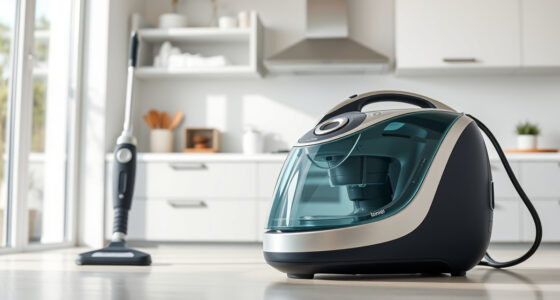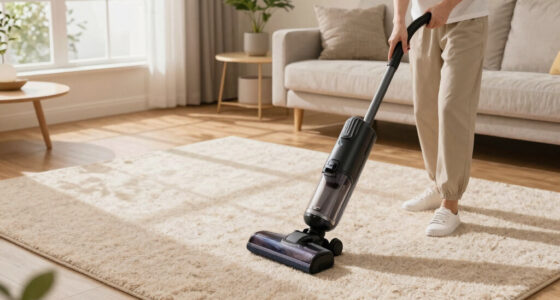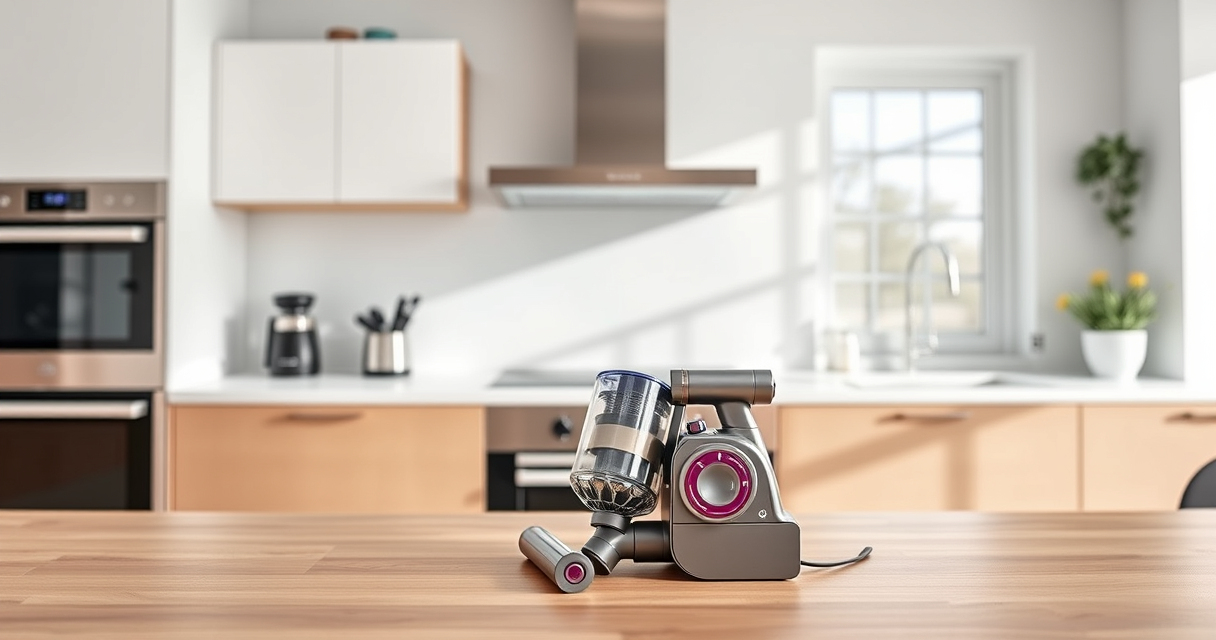

If your Dyson V15 Detect™ Origin Cordless Vacuum is pulsing on and off during use, it can disrupt your cleaning routine. This common issue often points to problems like overheating, blockages, or filter maintenance. Fortunately, most causes are fixable with simple troubleshooting steps.

Get cleaning gear delivered free with Prime
- Fast, free delivery on millions of items
- Prime Video, Amazon Music and more included
- Member-only deals all year
In this guide, you’ll learn how to identify the root cause of pulsing and follow clear, safe steps to resolve it, ensuring your vacuum delivers powerful, consistent cleaning again.
Key Takeaways
| Overheating | Vacuum triggers pulsing if it gets too hot, requiring cooling down. |
| Blockages | Clogs in the wand, nozzle, or filters can cause pulsing. |
| Filter issues | Dirty or clogged filters reduce airflow, leading to pulsing. |
| Battery or motor problems | Electrical issues may cause inconsistent power delivery. |
Step 1: Turn Off and Unplug the Vacuum
- Ensure the vacuum is turned off using the LCD screen or power button.
- Remove the battery or unplug the charging dock if applicable.
- Wait at least 15 minutes to allow the vacuum to cool if it was in use for a while.
Step 2: Check for Blockages
- Inspect the wand, cleaner heads, and crevice tool for debris or obstructions.
- Remove and clear any visible clogs or tangled hair.
- Use a flexible brush or the crevice tool (ASIN: B099RHWXJK) to gently dislodge debris in tight spots.
Step 3: Clean or Replace Filters
- Remove the pre-filter or main filter according to your model’s instructions.
- Wash the filter with cold water; do not use soap or a washing machine.
- Allow the filter to air dry completely (at least 24 hours) before reinstalling.
- If filters are overly dirty or damaged, replace them with suitable options like the 3Pack Pre Filters (ASIN: B091D4YRYG) or V10 filters (ASIN: B085G3CDS2).
Step 4: Reset and Test the Vacuum
- Reassemble the vacuum, ensuring all parts are securely attached.
- Power on the vacuum and run it on a low setting for a few minutes.
- Observe if the pulsing persists; if it does, proceed to check the battery connection or contact support.
Additional Tips & Warnings
- Always ensure filters are dry before reinstalling to prevent mold or damage.
- Avoid using the vacuum if it still overheats; allow it to cool completely to prevent damage.
- If troubleshooting doesn’t resolve pulsing, contact Dyson customer support for professional assistance.
The Products in This Guide
Dyson V15 Detect™ Origin Cordless Vacuum

The Dyson V15 Detect™ Origin offers powerful suction and intelligent debris detection, making it a top choice for whole-home cleaning. Its pulsing issue is often related to airflow or filter problems, which are straightforward to troubleshoot.
Pros:
- Powerful suction
- Smart debris detection
- Long battery life
- Versatile cleaning modes
Cons:
- Requires regular filter maintenance
- Can overheat if blocked
- Battery replacement may be needed over time
Best for: Deep cleaning of hard floors and carpets
Not ideal for: If frequent overheating occurs despite troubleshooting
Bottom line: Reliable deep-cleaning with proactive maintenance keeps your Dyson performing at its best.
LANMU Crevice Tool Vacuum Attachments Compatible

The LANMU Crevice Tool Attachments enhance your Dyson’s reach, helping to clear blockages and dust from tight spaces, which can indirectly reduce pulsing caused by airflow restrictions.
Pros:
- Narrow and flexible design
- Compatible with multiple Dyson models
- Easy to attach and use
- Effective for car and home cleaning
Cons:
- May not fit older Dyson models
- Requires proper attachment for best performance
- Limited to crevice cleaning
Best for: Cleaning corners, edges, and small gaps
Not ideal for: For general floor cleaning
Bottom line: A versatile attachment that makes detailed cleaning easier and helps reduce airflow blockages.
Frequently Asked Questions
Why does my Dyson pulsing happen only when the brush bar is engaged?
This often indicates a blockage or debris in the brush bar or its housing, or an airflow restriction that triggers the pulsing response.
Can overheating cause pulsing, and how do I prevent it?
Yes, overheating can cause pulsing. To prevent this, regularly clean filters, check for blockages, and avoid using the vacuum continuously for extended periods without breaks.
How often should I replace filters on my Dyson V15?
Filters should be washed and dried thoroughly every 2-3 months, or replaced if they become damaged or overly dirty to maintain optimal airflow.
What should I do if cleaning and filter maintenance don’t fix the pulsing?
If the problem persists after troubleshooting, contact Dyson customer support for professional diagnosis or consider replacing the battery if it’s degraded.
Keeping Your Dyson V15 Detect Running Smoothly
Regular maintenance and troubleshooting can resolve most pulsing issues, ensuring your Dyson delivers consistent, powerful cleaning. Always follow safety tips, and don’t hesitate to seek professional support if needed. A well-maintained vacuum is your best tool for a spotless home.
Affiliate disclosure: As an Amazon Associate we earn from qualifying purchases. Prices and availability are accurate as of the time of publishing.
Columbus Day / Indigenous Peoples' Day Picks
long weekend sales
As an affiliate, we earn on qualifying purchases.