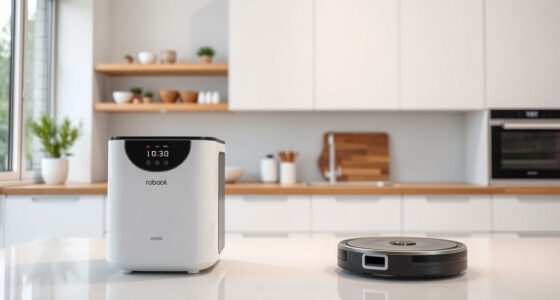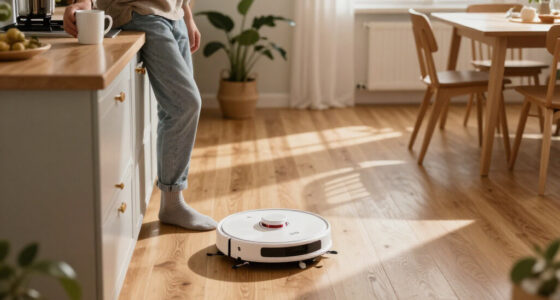
Maintaining your Roborock Q7 M5+ robot vacuum is essential to keep it running at peak efficiency. Proper care extends the lifespan of components, ensures thorough cleaning, and prevents common issues. This guide provides clear, practical steps for routine maintenance, troubleshooting, and optimal performance.

Get cleaning gear delivered free with Prime
- Fast, free delivery on millions of items
- Prime Video, Amazon Music and more included
- Member-only deals all year
Whether you’re new to robotic vacuums or looking to refine your cleaning routine, this comprehensive guide covers everything you need to know to keep your Roborock in top shape.
Key Takeaways
| Regular Cleaning | Routine cleaning of filters and brushes maintains suction power and prevents clogs. |
| Filter Care | Washing and replacing filters ensures effective filtration and air quality. |
| Sensor & Navigation | Keep sensors and LiDAR clean for accurate navigation and mapping. |
| Troubleshooting | Identify common issues like poor suction or navigation errors early. |
Step 1: Clean the Main Brush and Anti-Tangle System
- Turn off and unplug your Roborock for safety.
- Remove the main brush assembly by releasing the clips or screws as per your model’s manual.
- Use a cleaning tool or scissors to carefully cut away tangled pet hair or debris from the Dual Anti-Tangle System and main brush.
- Rinse the brush with water if applicable, and let it dry completely before reinstallation.
- Reattach the main brush securely, ensuring it moves freely.
Step 2: Replace or Clean Filters
- Remove the dustbin and take out the filter.
- If using washable filters, rinse gently with water, then let air dry for 24 hours before reinstalling.
- If replacing, install a new washable filter like the 4 Pack Washable Filter for optimal performance.
- Ensure the filter is seated properly to prevent suction loss.
Step 3: Wipe Sensors and Navigation Components
Use a soft, dry cloth or a slightly damp microfiber cloth to gently clean the LiDAR sensor, cliff sensors, and bumper sensors. Avoid harsh chemicals or water contact to prevent damage. Keeping sensors clean ensures accurate navigation and mapping.
Step 4: Check and Clear the Dust Bin and Docking Station
- Empty the 2.7L sealed dust bag regularly, especially after long cleaning cycles.
- Inspect the RockDock Plus for debris or blockages, and clean as needed.
- Ensure the self-emptying station is positioned correctly and functioning properly.
Troubleshooting Common Issues
- Weak Suction: Clean the main brush and filters, and check for obstructions in the suction path.
- Navigation Errors: Wipe sensors and ensure the LiDAR is unobstructed.
- Device Not Charging: Inspect charging contacts and power source, and reset the vacuum if needed.
The Products in This Guide

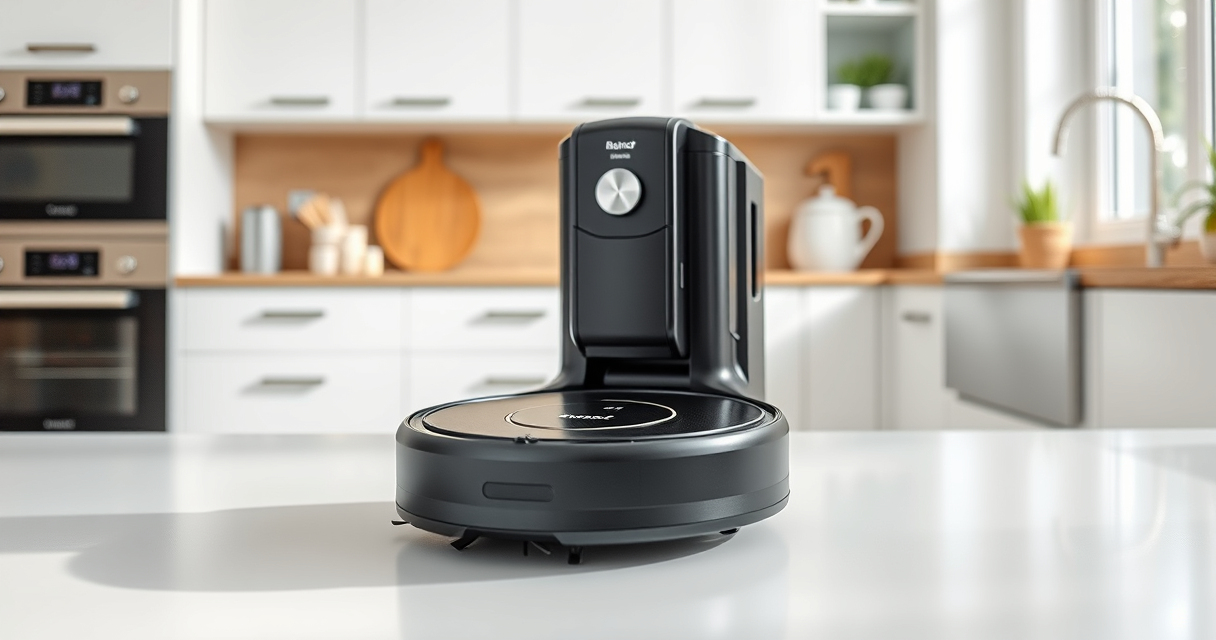
roborock Q7 M5+ Robot Vacuum and Mop
- ✔ Weight: 12.3 lbs
- ✔ Charging Time: Approx. 4 hours
- ✔ Runtime: Up to 150 minutes

4 Pack Washable Filter
- ✔ Pack: 4 filters
- ✔ Material: True HEPA
- ✔ Washable: Yes
roborock Q7 M5+ Robot Vacuum and Mop
The Roborock Q7 M5+ offers powerful suction, a self-emptying dust system, and advanced navigation, making it a reliable option for maintaining a clean home with minimal fuss.
Pros:
- Up to 7-9 weeks of self-emptying
- Powerful 10000Pa suction
- Dual anti-tangle system
- Precise LiDAR navigation
Cons:
- Higher initial cost
- Requires regular filter maintenance
Best for: Pet owners and large households seeking low-maintenance cleaning
Not ideal for: Small spaces or users preferring manual vacuuming
Bottom line: Roborock Q7 M5+ delivers high performance with minimal upkeep for busy homes.
4 Pack Washable Filter
These washable filters are compatible with your Roborock model, ensuring consistent filtration and easy maintenance without recurring costs.
Pros:
- Replaces OEM filters effectively
- Washable and reusable
- Easy to install
- Maintains high filtration efficiency
Cons:
- Needs regular cleaning
- Not OEM but compatible
Best for: Maintaining air quality and filter performance
Not ideal for: For users seeking original OEM filters only
Bottom line: A cost-effective, washable HEPA filter set for ongoing cleaning efficiency.
Frequently Asked Questions
How often should I clean the main brush?
It is recommended to clean the main brush weekly or more frequently if you have pets, to prevent tangling and maintain suction.
What is the best way to clean the sensors?
Use a soft, dry microfiber cloth or a slightly damp cloth to gently wipe the sensors and LiDAR components, avoiding harsh chemicals.
How often should I replace the filters?
Washable filters should be cleaned every 1-2 weeks and replaced every 3-6 months for optimal performance.
My Roborock is not docking properly. What should I do?
Check that the charging contacts are clean and free of debris, ensure the dock is properly positioned, and restart the device if necessary.
Keep Your Roborock Running Like New
Routine maintenance is key to ensuring your Roborock Q7 M5+ continues to deliver powerful, efficient cleaning. By following these simple steps—regularly cleaning brushes, filters, and sensors—you can prevent common issues and extend the lifespan of your device. A little regular care goes a long way in keeping your home spotless and your vacuum performing at its best.
Affiliate disclosure: As an Amazon Associate we earn from qualifying purchases. Prices and availability are accurate as of the time of publishing.