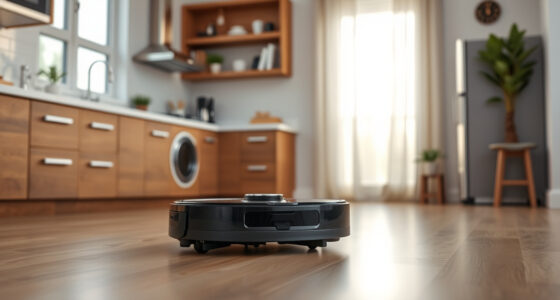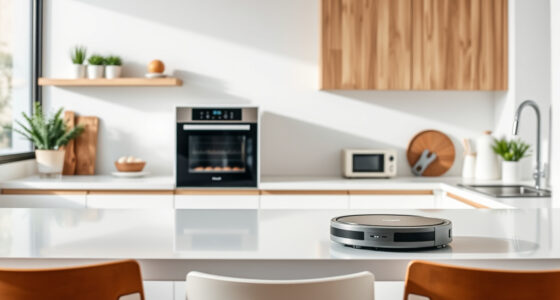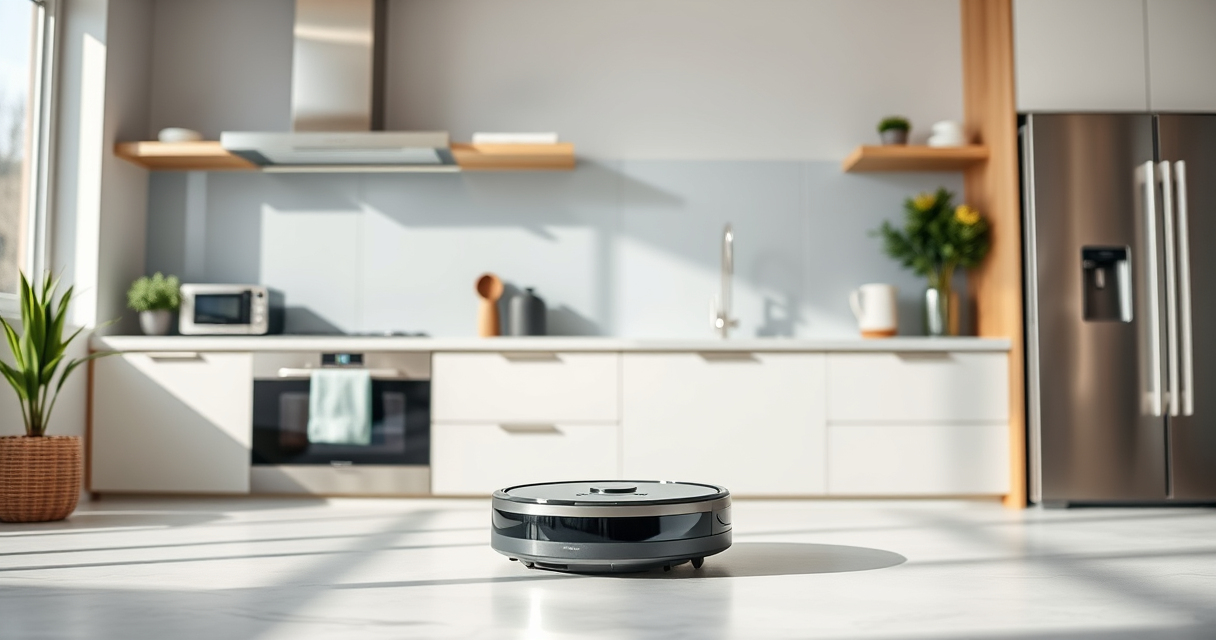
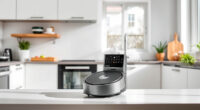
Getting your new Roborock Q7 M5+ ready for action is straightforward, but following a clear, step-by-step setup process ensures optimal performance and longevity of your device. Whether you’re new to robotic vacuums or upgrading from an earlier model, this guide will walk you through the essential setup steps to get your robot cleaning efficiently in no time.
Safety tips and troubleshooting advice are included to help you avoid common issues. Before starting, gather your device, initial accessories, and a stable Wi-Fi connection for app setup.
Key Takeaways
| Easy setup process | Follow clear, step-by-step instructions for initial setup. |
| App control | Use the Roborock app for customized cleaning and monitoring. |
| Maintenance tips | Learn when and how to replace filters and mop pads. |
| Troubleshooting | Identify common issues and solutions during setup. |

roborock Q7 M5+ Robot Vacuum and Mop, Up to 7-9 Weeks Self-Empty, 10000Pa
- Long-Lasting Cleaning Cycles: Up to 7-9 weeks with 2.7L dust bag
- Powerful Suction: 10000Pa for deep cleaning on all surfaces
- Tangle-Resistant Brushes: Dual anti-tangle design reduces hair wrap
As an affiliate, we earn on qualifying purchases.
Unbox and Inspect Your Roborock Q7 M5+
- Carefully remove the robot vacuum from the packaging and confirm all accessories are included, such as the self-empty dust bag, filters, and mop pads.
- Inspect the device for any visible damage or missing parts before proceeding.
Charge Your Robot and Prepare the Area
- Place the charging dock against a flat, vertical surface near a power outlet, ensuring at least 1.5 meters of clearance on each side and 2 meters in front.
- Plug in the dock and charge your robot on it for at least 4 hours before first use.
- Clear the cleaning area of obstacles, cords, or fragile items.
Download and Set Up the Roborock App
- Download the Roborock app from your smartphone’s app store.
- Create an account or log in, then follow on-screen instructions to connect your device to Wi-Fi.
- Ensure your phone is connected to 2.4 GHz Wi-Fi for compatibility.
Power On and Connect Your Vacuum
- Press and hold the power button on the robot until it vibrates or the LED indicator lights up.
- Open the app and follow prompts to add your Roborock Q7 M5+ by selecting it from the device list.
- Follow the in-app instructions to complete the Wi-Fi connection and firmware update if prompted.
Configure Cleaning Settings and Perform a Test Run
- Use the app to set your cleaning preferences, such as suction power, cleaning zones, and schedule.
- Attach the mop pad if mopping is desired, and fill the water tank accordingly.
- Run a test cleaning cycle to ensure proper operation and coverage.
The Products in This Guide

roborock Q7 M5+ Robot Vacuum and Mop
- ✔ Run Time: Up to 7-9 weeks
- ✔ Dust Capacity: 2.7L
- ✔ Navigation: LiDAR

4 Pack Washable Filter
- ✔ Pack Size: 4 filters
- ✔ Compatibility: Multiple models
- ✔ Reusability: Yes
roborock Q7 M5+ Robot Vacuum and Mop
The Roborock Q7 M5+ offers powerful suction, a self-emptying dust bag, and advanced navigation, making it a top-tier robot vacuum and mop. Its compatibility with app control and pet hair handling makes it ideal for busy households.
Pros:
- Up to 7-9 weeks of self-emptying capacity
- 10000Pa suction for deep cleaning
- PreciSense LiDAR navigation for precise mapping
- Dual Anti-Tangle System for pet hair
Cons:
- Initial setup may take some time
- Requires Wi-Fi connection for full features
- Mopping feature needs water tank refilling
Best for: Pet owners and busy households needing long-lasting, thorough cleaning.
Not ideal for: Homes with very complex floor plans or limited Wi-Fi coverage.
Bottom line: A highly capable robot vacuum perfect for long-term, hands-free cleaning.
4 Pack Washable Filter
This 4-pack of washable filters is compatible with multiple Roborock models, including the Q7. They are easy to install, washable, and help maintain optimal suction performance.
Pros:
- Cost-effective 4-pack
- Washable and reusable
- Compatible with many models
- Maintains filtration efficiency
Cons:
- Not OEM, but performance comparable
- Requires regular washing
- Not specific to Q7 only
Best for: Households seeking affordable, long-term filter replacements.
Not ideal for: Users preferring OEM filters or with very specific filtration needs.
Bottom line: A reliable, cost-effective way to keep your vacuum performing at its best.
Frequently Asked Questions
How often should I empty the self-empty dust bag?
The self-empty dust bag can last up to 7-9 weeks, depending on usage. Check the bag regularly and empty it when full to maintain optimal suction and cleaning efficiency.
Can I use the robot without the mop pad?
Yes, the Roborock Q7 M5+ can operate as a vacuum only. Simply detach the water tank and mop pad if mopping is not needed.
How do I update the firmware?
Connect your robot to the Roborock app, which will notify you of available updates. Follow the in-app prompts to download and install the latest firmware.
What should I do if the robot gets tangled?
The Q7 M5+ features a Dual Anti-Tangle System. If tangles occur, power off the device, remove the hair or debris, and restart. Regular cleaning of brushes also helps prevent tangling.
Getting Your Home Spotless with Ease
By following these setup steps, you’ll ensure your Roborock Q7 M5+ is ready to deliver efficient, hands-free cleaning. Regular maintenance, such as filter replacement and mop pad washing, will keep your device performing at its best for years to come. Enjoy a cleaner home with minimal effort!
Affiliate disclosure: As an Amazon Associate we earn from qualifying purchases. Prices and availability are accurate as of the time of publishing.