Getting your new Roborock Q7 M5+ ready for action is straightforward, but careful setup ensures it works efficiently and safely from the start. Whether you’re familiar with robotic vacuums or new to automated cleaning devices, this guide provides clear, step-by-step instructions to help you get your device up and running quickly.

Get cleaning gear delivered free with Prime
- Fast, free delivery on millions of items
- Prime Video, Amazon Music and more included
- Member-only deals all year
We’ll cover everything from unboxing and initial charging to connecting via the app and scheduling your first clean. Plus, you’ll find helpful tips and warnings to avoid common pitfalls and maximize your vacuum’s capabilities.
Key Takeaways
| Easy Setup | Step-by-step instructions for unboxing, charging, and app setup. |
| Optimal Performance | Tips on cleaning modes, scheduling, and maintenance. |
| Safety Tips | Warnings on handling the device and avoiding obstacles. |
| Troubleshooting | Common issues and quick fixes for a smooth operation. |
Unboxing and Initial Setup
- Carefully remove the Roborock Q7 M5+ from its packaging, ensuring you have all accessories, including the charging dock, power adapter, and any additional brushes or filters.
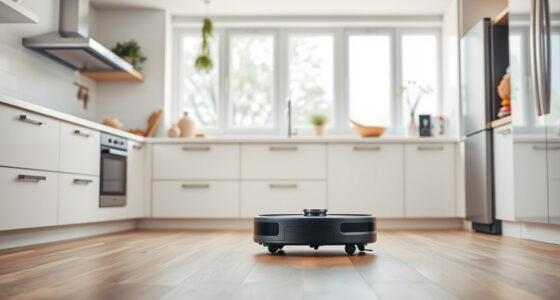
- Place the charging dock against a wall in an open area, ensuring there’s at least 1-2 feet of clearance on each side and 4 feet in front for unobstructed docking.
- Plug in the charging dock to a power outlet and turn it on. The dock’s LED should light up indicating power.
- Position the vacuum on the dock, aligning the charging contacts. It should automatically start docking and begin charging.
Downloading and Connecting the App
- Download the Roborock app from your smartphone’s app store, available for both iOS and Android devices.
- Create or log into your Roborock account.
- Ensure your phone is connected to a stable Wi-Fi network. The vacuum supports app control via Wi-Fi for remote operation and scheduling.
- Follow the in-app instructions to add your Q7 M5+ by selecting the model and connecting it to your Wi-Fi network. Make sure your vacuum is within range.
Initial Charging and Calibration
Allow the vacuum to fully charge before first use. This may take a few hours. The device’s LED indicator will show when it’s fully charged.
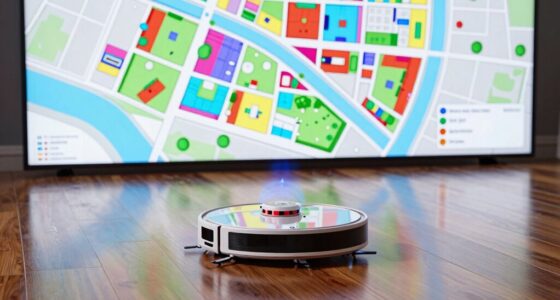
Once charged, turn on the vacuum via the app or the physical power button. The PreciSense LiDAR navigation system will automatically calibrate during the first few cleaning cycles, creating an optimal map of your home.
Configuring Cleaning Settings
- Set cleaning schedules and select cleaning modes via the app to customize your experience.
- Choose between vacuum-only, mop-only, or combined cleaning modes based on your needs.
- Enable the Dual Anti-Tangle System if you have pets or long hair, to reduce hair tangling in the brushes.
Tip: Use no-go zones or virtual barriers if your home has delicate areas or objects you want to avoid.
Performing Your First Cleaning Cycle and Maintenance
After setup, press ‘Start’ in the app or on the device to begin your first cleaning. Observe the robot’s navigation to ensure it covers all areas.
Regularly check and empty the self-emptying dust bag in the RockDock Plus, which can last up to 7-9 weeks before needing attention. Replace or clean filters as recommended, and inspect brushes for tangled hair or debris.
Routine maintenance ensures consistent performance and longevity of your Roborock Q7 M5+.
The Products in This Guide

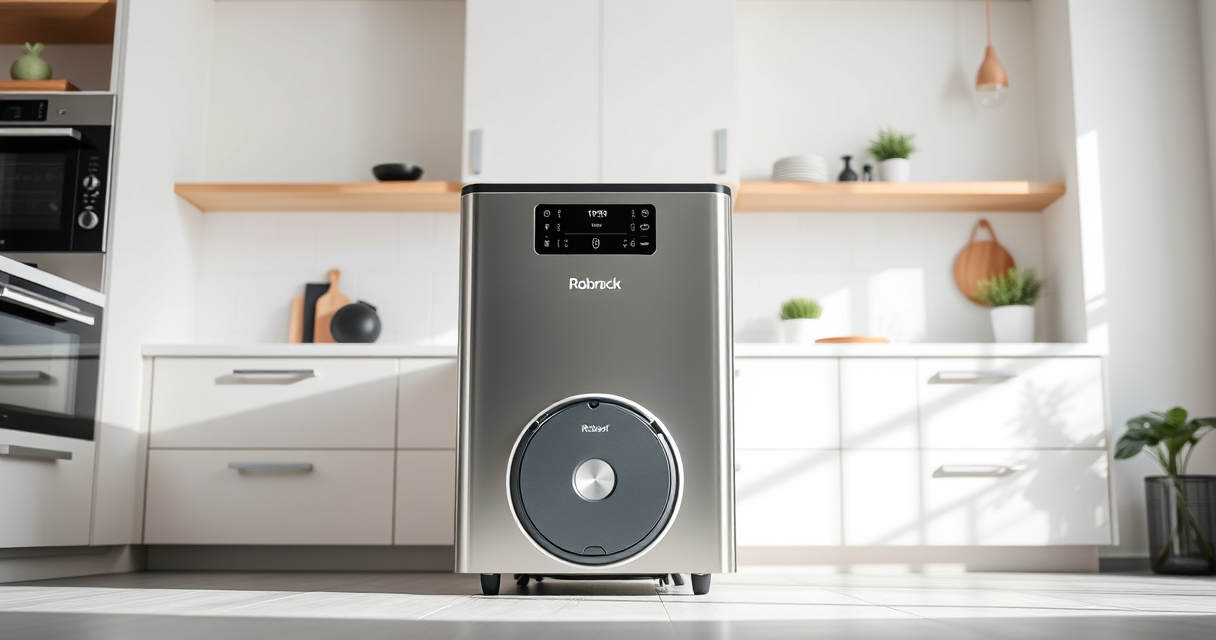
roborock Q7 M5+ Robot Vacuum and Mop
- ✔ Weight: 7.7 kg
- ✔ Dimensions: 353 x 350 x 96 mm
- ✔ Charging Time: Approx. 4 hours

4 Pack Washable Filter
- ✔ Size: Approx. 30cm x 30cm
- ✔ Weight: 50g per pad
- ✔ Wash Cycle: Machine washable up to 50°C
roborock Q7 M5+ Robot Vacuum and Mop
<p>The Roborock Q7 M5+ offers powerful suction, advanced navigation, and a self-emptying system that makes home cleaning effortless. Its 10,000Pa suction lifts pet hair and debris effectively, while the PreciSense LiDAR navigation maps your home precisely for thorough cleaning.</p><p>With up to 7-9 weeks of self-emptying capacity, it reduces maintenance frequency, ideal for busy households or pet owners.</p>
Pros:
- Powerful 10,000Pa suction
- Self-emptying dust system
- Dual Anti-Tangle System
- App control with scheduling
Cons:
- Higher price point
- Requires Wi-Fi connection
- Initial setup may take time
Best for: Pet owners, busy households, deep cleaning needs
Not ideal for: Homes with very complex layouts or no Wi-Fi access
Bottom line: A high-performance vacuum and mop with minimal maintenance for a cleaner home.
4 Pack Washable Filter
<p>If you’re looking to enhance your Roborock Q7 M5+ with reusable, washable mop pads, this 4-pack offers durable microfiber options that are easy to wash and reuse. They work well on tiles, hardwood, and stone, ensuring your floors stay spotless.</p><p>These mop pads are compatible with various Roborock models, making them a versatile addition to your cleaning toolkit.</p>
Pros:
- Reusable and washable
- Efficient dirt removal
- Compatible with multiple models
- Easy to install
Cons:
- Not genuine OEM
- Must be cleaned regularly
- Replacement needed every 1-3 months
Best for: Regular floor mopping, pet hair removal
Not ideal for: Heavy-duty cleaning or deep stain removal
Bottom line: A cost-effective, eco-friendly mop solution for your Roborock.
Frequently Asked Questions
How often should I empty the self-emptying dust bag?
The RockDock Plus can hold enough debris for up to 7-9 weeks, but you should check the bag regularly and empty it when full or during routine cleaning.
Can I use the Roborock Q7 M5+ on all floor types?
Yes, it is designed to work on sealed floors like tiles, hardwood, and stone, and can deep clean carpets with its powerful suction.
Is Wi-Fi required for operation?
Wi-Fi is necessary for app control, scheduling, and mapping features. The device can operate manually without Wi-Fi but with limited functionality.
How do I maintain the brushes and filters?
Regularly check for tangled hair or debris, clean the brushes and filters according to the manufacturer’s instructions, and replace filters as needed to maintain suction power.
Can I customize cleaning zones?
Yes, using the app, you can set no-go zones and specify areas for focused cleaning, making the device adapt to your home layout.
Getting the Most Out of Your Roborock Q7 M5+
Setting up your Roborock Q7 M5+ might seem detailed at first, but following these steps ensures a smooth start and optimal cleaning results. Regular maintenance, app customization, and understanding its features will keep your home spotless with minimal effort. Enjoy the convenience of automated cleaning with this powerful, smart device, and make adjustments as you learn what works best for your home environment.
Affiliate disclosure: As an Amazon Associate we earn from qualifying purchases. Prices and availability are accurate as of the time of publishing.
Columbus Day / Indigenous Peoples' Day Picks
long weekend sales
As an affiliate, we earn on qualifying purchases.