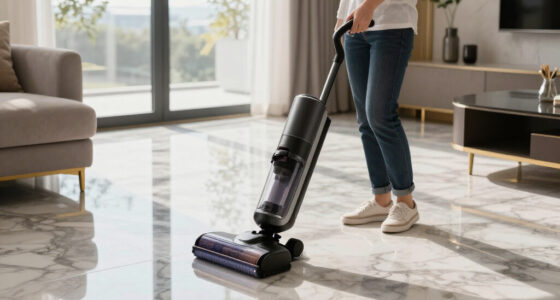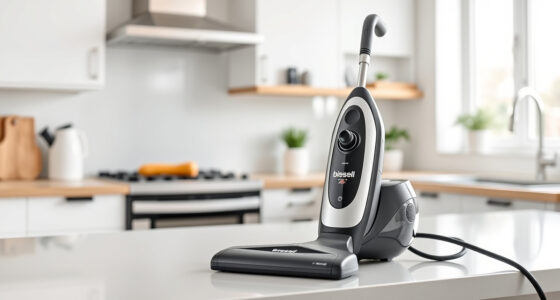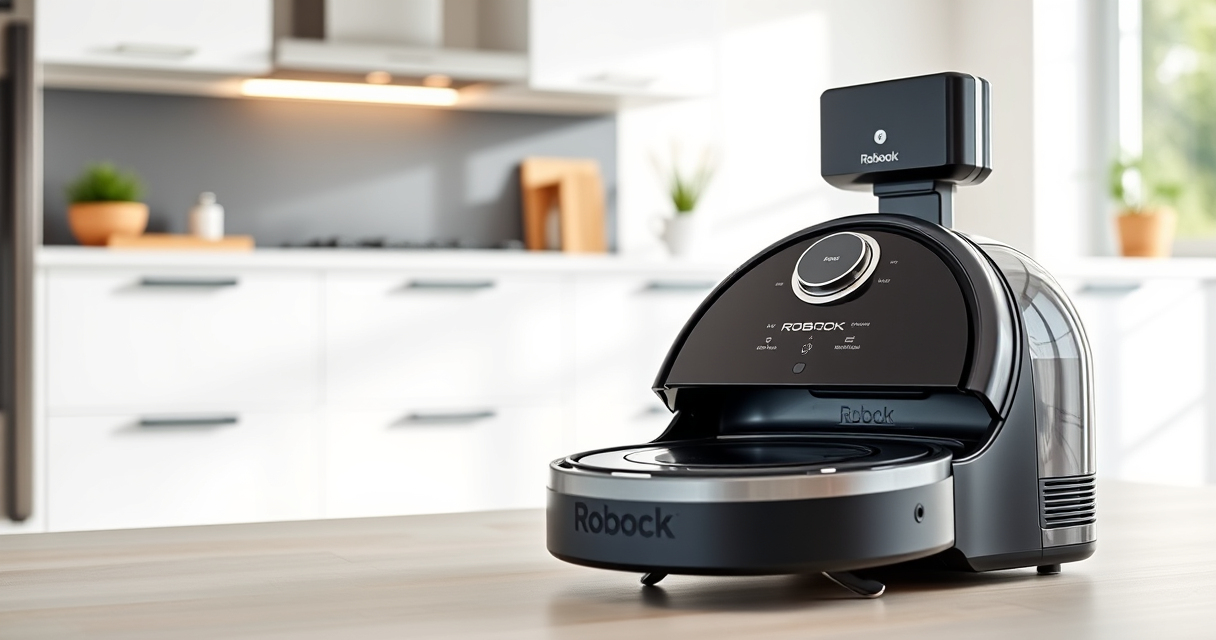

Roborock robots are known for their advanced navigation and powerful cleaning capabilities, but like any device, they may require troubleshooting and regular care to ensure optimal performance. This guide provides clear, practical steps to diagnose issues, perform routine maintenance, and keep your Roborock Q7 M5+ operating smoothly throughout 2026.

Get cleaning gear delivered free with Prime
- Fast, free delivery on millions of items
- Prime Video, Amazon Music and more included
- Member-only deals all year
Whether facing connectivity hiccups, cleaning inefficiencies, or hardware concerns, follow these detailed instructions to resolve common problems safely and effectively.
Key Takeaways
| Regular Maintenance | Routine cleaning and filter replacement extend your robot’s lifespan. |
| Troubleshooting Connectivity | Reset and reconnect steps resolve Wi-Fi issues. |
| Cleaning Performance | Inspect brushes and sensors for optimal cleaning. |
| Battery & Power | Ensure proper charging for uninterrupted use. |
Preparing for Troubleshooting and Maintenance
Before starting any troubleshooting or maintenance, ensure your Roborock Q7 M5+ is turned off and unplugged from charging. Gather essential tools: a soft cloth, a small brush, replacement filters, and mop pads if needed. Familiarize yourself with the user manual for specific parts and safety precautions. Proper preparation helps prevent accidental damage and makes the process smoother.
Common Troubleshooting Steps
- Check Wi-Fi Connection: Ensure your robot is within range of your Wi-Fi router. Open the Roborock app, and if the device isn’t responding, try restarting your router and reconnecting the vacuum via the app.
- Reset and Reconnect: If connectivity issues persist, perform a factory reset following the app instructions, then set up the device anew.
- Inspect Sensors and Navigation: Clean the PreciSense LiDAR and cliff sensors with a soft, dry cloth. Dirt or dust can impair navigation.
- Clear Obstructions: Remove hair, debris, or objects stuck in brushes, wheels, or side brushes. Use a small brush or tweezers if necessary.
Maintaining the Brushes and Filters
Regularly inspect the main brush and side brushes for tangled hair or debris. The Dual Anti-Tangle System helps, but manual cleaning is essential for optimal performance. Remove the brushes, clear any obstructions, and wash the brushes with water if dirty, then dry thoroughly before reinstallation.
Replace the filters every 2-3 months or when visibly dirty. Consider using a washable filter like the 4 Pack Washable Filter compatible with your model for consistent performance.
Battery Care and Charging Tips
Ensure the charging contacts are clean and free of dust or debris. Use the original charging dock and avoid moving the robot while charging to prevent disconnects. If the robot’s battery drains quickly or fails to hold a charge, consult the user manual for battery replacement procedures or contact support.
Replacing Mop Pads and Accessories
To maintain cleaning effectiveness, replace mop pads every 1-3 months or when they show signs of wear. Use high-quality reusable microfiber mop pads like the VIEWALL 6 Pack Reusable Mop Pads for compatible models. Keep accessories clean and dry after use to prevent mold or odors.
Tips and Warnings for Safe Maintenance
- Always turn off and unplug the robot before cleaning internal parts or performing maintenance.
- Use only recommended replacement parts to avoid damage or voiding the warranty.
- Avoid using harsh chemicals or abrasive tools on sensors or plastic parts.
- Be cautious when removing brushes to prevent injury from sharp edges.
The Products in This Guide

roborock Q7 M5+ Robot Vacuum and Mop
- ✔ Suction Power: 10,000Pa
- ✔ Dust Capacity: 2.7L
- ✔ Navigation: PreciSense LiDAR

4 Pack Washable Filter
- ✔ Pack Size: 4 filters
- ✔ Material: HEPA
- ✔ Compatibility: Multiple models
roborock Q7 M5+ Robot Vacuum and Mop
The Roborock Q7 M5+ offers advanced navigation, powerful suction, and a self-emptying dustbin that can last up to 7-9 weeks between emptying. Its Dual Anti-Tangle System makes pet hair management easier, making it a top choice for busy households.
Pros:
- Up to 7-9 weeks self-emptying
- Powerful 10,000Pa suction
- Advanced LiDAR navigation
- Pet hair & carpet friendly
Cons:
- Higher price point
- Requires compatible filters
- Can be complex to troubleshoot minor issues
Best for: Pet owners and busy households seeking low-maintenance cleaning
Not ideal for: Users looking for budget options or simpler robots
Bottom line: The Roborock Q7 M5+ excels in hands-free, long-term cleaning with minimal maintenance.
4 Pack Washable Filter
The 4 Pack Washable Filter set is an excellent addition for maintaining your Roborock’s filtration system. Easy to install and clean, these filters help ensure your vacuum continues to perform at peak levels without frequent replacements.
Pros:
- Replaces OEM filters effectively
- Washable and reusable
- Ensures consistent suction
- Compatible with multiple Roborock models
Cons:
- Must be cleaned regularly
- Not OEM, but high quality
Best for: Maintaining optimal filtration and air quality
Not ideal for: Users seeking OEM-specific parts only
Bottom line: A cost-effective way to keep your Roborock’s filtration system clean and efficient.
Frequently Asked Questions
How often should I clean the sensors on my Roborock?
Clean the sensors every 2-4 weeks with a soft, dry cloth to ensure accurate navigation and obstacle detection.
Can I use regular soap to clean the brushes?
It’s best to use water and a mild detergent if needed. Avoid harsh chemicals that could damage the brushes or internal components.
What should I do if my Roborock isn’t charging properly?
Check and clean the charging contacts, ensure the dock is plugged in correctly, and verify the power outlet. If issues persist, replace the charging dock or battery if necessary.
How do I reset my Roborock?
Follow the app instructions to perform a factory reset, typically by holding certain buttons or through the app menu. Refer to the user manual for specific steps.
Is it necessary to replace mop pads frequently?
Yes, replace or wash mop pads every 1-3 months to maintain cleaning efficiency and avoid odors or mold growth.
Keep Your Roborock Performing at Its Best
Routine troubleshooting and maintenance are key to ensuring your Roborock Q7 M5+ continues to deliver excellent cleaning results. Regularly inspecting brushes, filters, sensors, and batteries, along with timely replacements, will prolong the lifespan of your device and keep your home spotless. Follow the steps outlined in this guide for a safe, effective approach to caring for your robotic vacuum in 2026.
Affiliate disclosure: As an Amazon Associate we earn from qualifying purchases. Prices and availability are accurate as of the time of publishing.
Columbus Day / Indigenous Peoples' Day Picks
long weekend sales
As an affiliate, we earn on qualifying purchases.